
Scheduling
How to Automate Appointment Scheduling With AI (End the Back-and-Forth)
The Ootto Team · 9 min read · June 12, 2026
How to use this
1Connect Claude to Instagram
Connect Claude to your Instagram account
One click opens Claude with the connector already filled in - sign in, authorize, and it's live. No key to copy, no setup outside your browser.
https://mcp.ootto.ai/mcpConnect2Add the skills
Once Claude can reach your account, give it the methods to work with. Clone the free repository and Claude discovers the skills automatically.
git clone --depth 1 https://github.com/Ootto-AI/claude-content-skills.git && bash claude-content-skills/install.shBrowse all 30 skills on GitHubInstructions: how to connect your Instagram account to Claude
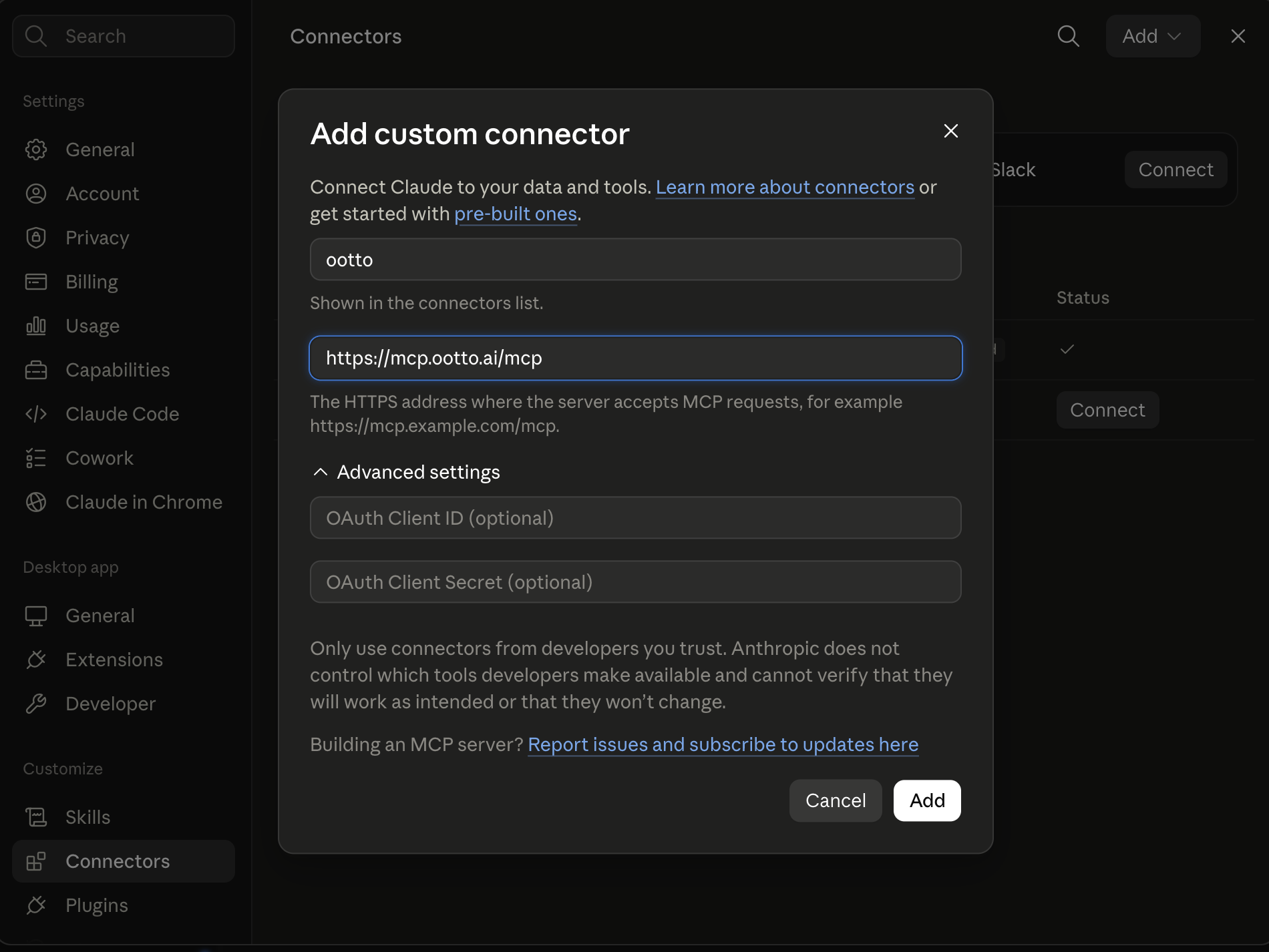
Connect above does this for you. If Claude ever opens the dialog empty, here's exactly what goes where:
Ootto
Your 24/7 Instagram Growth Operator
Skip the manual setup
- Posts finished Reels straight to your Instagram
- Real motion-graphic Reels, not slideshows
- Built around your own photos and footage
- Finds winning content opportunities in your niche
- Writes on-brand scripts and captions
- Answers every comment by your own keyword rules
- DMs qualified leads and starts the conversation
- Runs up to 50 Instagram accounts
One AI. Every Post. Every Comment. More Leads. More Sales.
Booking a single appointment should take one message. Instead it takes six: "Are you free Tuesday?" "No, how about Thursday?" "Morning or afternoon?" — and somewhere in that thread, a slot gets double-booked or a client quietly disappears. To automate appointment scheduling means handing that entire loop to software: it reads the request, proposes times, books the slot, confirms it, reminds the client, and rebooks the no-shows. Here's how the loop works and how to put it on autopilot.
What is the real cost of manual scheduling?
The obvious cost is your time — every booking is a few minutes of email tag you'll never get back. But the bigger cost is the appointments that fall through.
No-shows are expensive. In healthcare, where the data is best studied, missed-appointment rates average somewhere around 20–25%, and an empty slot is often estimated to cost in the low hundreds of dollars once you count staff time and the revenue you can't refill on short notice. You don't run a clinic, but the math rhymes: a missed consult, a no-show demo, an empty chair in your calendar is income that walked out the door — plus a slot you could have filled.
Then there's the friction tax on the front end. Most people would rather book online than play phone or email tag, and every extra step in a booking flow is a chance for the lead to cool off. Manual scheduling quietly leaks revenue in three places at once: your hours, your no-shows, and the leads who give up before they ever get on the calendar.
The good news is that this is one of the most automatable jobs in your business, because the whole thing is rules plus follow-up — and software is very good at both.
The 5-step AI scheduling loop
A real scheduling automation isn't a booking widget bolted to your site. It's a loop that runs end to end. Here's what each step does.
1. Read the context
The AI starts from the request — an email, a WhatsApp message, a form fill, the last line of a sales thread — and pulls the relevant details: who's asking, what for, how long it'll take, and whether they're a new or returning contact. That context decides everything downstream (a 15-minute intro call and a 90-minute service appointment need different slots).
2. Propose 2–3 specific times
Instead of "when are you free?", the AI looks at your live calendar and offers a short menu: two or three concrete options. Specificity is what kills the back-and-forth. A single open-ended question invites a slow reply; three named slots invite a one-word answer.
"I have Thursday at 10:00 AM, Thursday at 2:30 PM, or Friday at 11:00 AM open this week — which works best?"
3. Book it to the calendar
When the client picks, the AI writes the event to your calendar, attaches any video link or location, and — critically — holds the slot so no one else can grab it while the confirmation is in flight. This is the step that prevents double-bookings.
4. Send the confirmation
A confirmation goes out immediately with the date, time, time zone, and a way to change or cancel. This isn't a courtesy — it's the anchor every later reminder refers back to, and it gives the client an early, friction-free way to reschedule before it becomes a no-show.
5. Remind, then recover
In the days before the appointment, the AI fires a reminder sequence (more on cadence below). If the client misses anyway, the loop doesn't end — it detects the no-show and kicks off recovery: a rebook link to them, and a backfill offer to anyone on a waitlist.
That's the difference between "a calendar tool" and "scheduling on autopilot." The first one books. The second one books, defends the booking, and rescues it when it slips.
What reminder cadence actually cuts no-shows?
Reminders are the highest-leverage part of the loop, and most setups under-invest in them. Two things consistently move the needle:
Send two reminders, not one. Research on appointment reminders suggests that a two-touch sequence — one a few days out, one the day before — tends to outperform a single reminder. The first one gives the client time to reschedule deliberately; the second catches the ones who simply forgot. One reminder makes them choose between "show up" and "ghost." Two reminders make "reschedule" the easy middle path.
Prefer SMS over email where you can. Text messages get opened almost universally and almost immediately, while email reminders compete with everything else in a crowded inbox. Systematic reviews of text-message reminders have generally found meaningful drops in no-shows versus sending nothing — frequently in the rough range of a third or so. If you only change one thing, move your reminders from email to SMS or WhatsApp.
The point of the cadence isn't nagging. It's giving people three easy off-ramps — confirm, reschedule, or cancel — so the only outcome you almost never get is a silent empty slot.
How do you recover a no-show automatically?
Most scheduling advice stops at "send reminders." But reminders only reduce no-shows; they don't eliminate them. The automation that separates a good system from a great one is what happens after someone misses.
A no-show recovery flow has three moves:
- Detect the miss. The appointment time passes with no check-in, so the AI flags it instead of leaving a quiet hole in your day.
- Send a rebook link, fast and without judgment. "Sorry we missed you — grab a new time here." The faster this goes out, the more likely you re-capture the booking while intent is still warm.
- Backfill the freed slot. That now-empty time is inventory. If you keep a short waitlist or have warm leads waiting, the AI can offer the opening to the next person in line — turning a lost slot into a filled one.
That last step is where the loop pays for itself. A no-show isn't just one missed appointment; it's an open slot you can resell within minutes if something is watching for it.
The technical pieces you can't skip
A few things are non-negotiable for any of this to work reliably:
- Real calendar access. The AI needs to read and write your actual calendar through its API — not a copy, not a guess. Live availability lookup is the foundation; without it, you're back to double-bookings.
- Time-zone handling. Every proposed time, confirmation, and reminder has to be correct for the client's zone and yours. This is the single most common place naive automations embarrass you.
- Buffer times and working hours. Define when you're actually bookable, and pad appointments so you're not scheduled wall-to-wall with no breathing room.
- Double-booking prevention. The slot must be locked the moment it's offered-and-accepted, not after a delay.
Get these four right and the loop runs clean. Skip one and you'll spend more time fixing the automation than you saved.
Where rules and guardrails matter
The edge cases are where you want the system to follow your policies, not improvise:
- Minimum notice. Don't let someone book the 9:00 AM at 8:55. Set a floor (say, 12 or 24 hours' notice for new bookings).
- Reschedule cascades. When one appointment moves, others sometimes need to shift. Decide what the system may move on its own and what needs your sign-off.
- Cross-time-zone bookings. Always display and confirm in the client's local time, with the zone spelled out, to avoid "wait, was that my 3 PM or yours?"
- Caps and protected time. Limit how many of a given appointment type land per day, and block the focus hours you never want booked.
Good scheduling automation is mostly good defaults plus a few firm rules. You set the boundaries once; the AI works inside them every time.
Connect once, not configure forever
You can stitch this together with a booking tool plus a workflow builder, and if you enjoy maintaining automations, that's a fine path. But scheduling rarely lives alone — it's the close of a lead conversation, the next step after an inbound email, the thing your CRM should know about. Wiring it across all of those by hand is the part that breaks.
Ootto runs the whole loop as one of its built-in jobs. You connect your calendar plus the channels you already use — Gmail, WhatsApp, Slack — and define your availability rules once: working hours, buffers, minimum notice, appointment types. From there the agent reads incoming requests, proposes real open times, books to your calendar, sends the confirmation, fires the reminder cadence, and handles no-show recovery — in your brand's voice, because it learns how you talk to clients.
Because Ootto also handles your inbox and your follow-up, scheduling stops being a separate widget and becomes part of the flow. A new lead can go from first email to booked appointment without you touching it — booking is just the natural close of an automated lead follow-up sequence, and it clears the scheduling threads out of your inbox at the same time. If you want the bigger picture of how these jobs fit together, start with our AI business automation guide; for the reminder mechanics specifically, the same logic powers automated invoice reminders.
The setup is connect-once, not configure-forever.
The bottom line
Automating appointment scheduling isn't about adding a "book now" button. It's about owning the full loop — propose, book, confirm, remind, reschedule, recover — so empty slots, double-bookings, and the endless back-and-forth simply stop happening. Set the rules once, send two reminders by text, and let the no-show recovery turn lost slots back into booked ones.
Route A: do it yourself
Start with the exact free skill for this outcome
MIT, no account, no email. Install first, then run the command for your account.
For proposing a time: Meeting Scheduler Reply
git clone --depth 1 https://github.com/Ootto-AI/claude-scheduling-skills.git && bash claude-scheduling-skills/install.sh
Installs the free MIT Scheduling Skills bundle into ~/.claude/skills in one shot.
/meeting-scheduler-reply [meeting thread + your open slots]
Reads a scheduling thread and drafts a reply that locks in a time in as few rounds as possible.
Route B: let Ootto run it
Ootto replicates this on autopilot
Open the dashboard, connect once, then let the pipeline handle research, production, and lead replies.
Open the connector dashboard
Go to /content/login, sign in, and open your Ootto content dashboard.
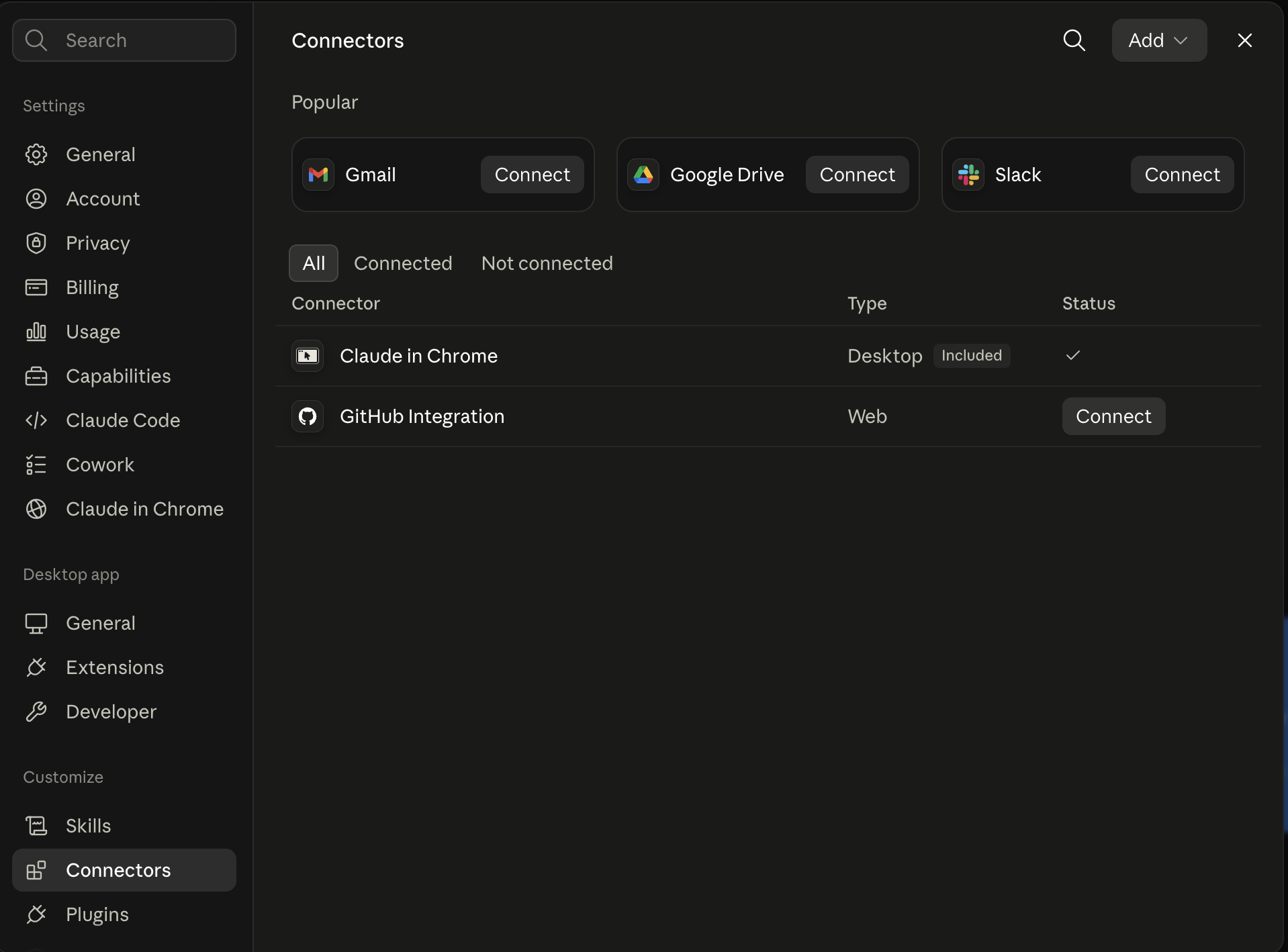
Add Ootto to Claude
Use the one-button Add flow so Ootto appears in Claude's Connectors panel.
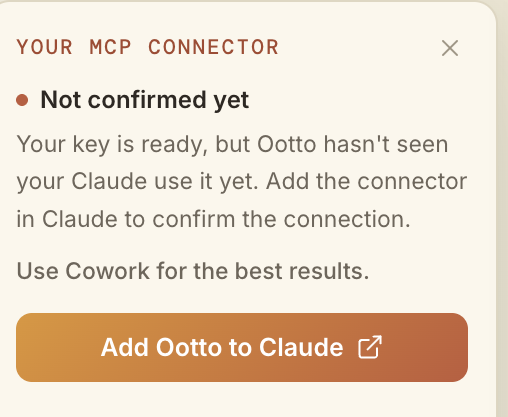
Claude shows the connector
The connector lands in Claude's Connectors settings, confirming Ootto is wired.
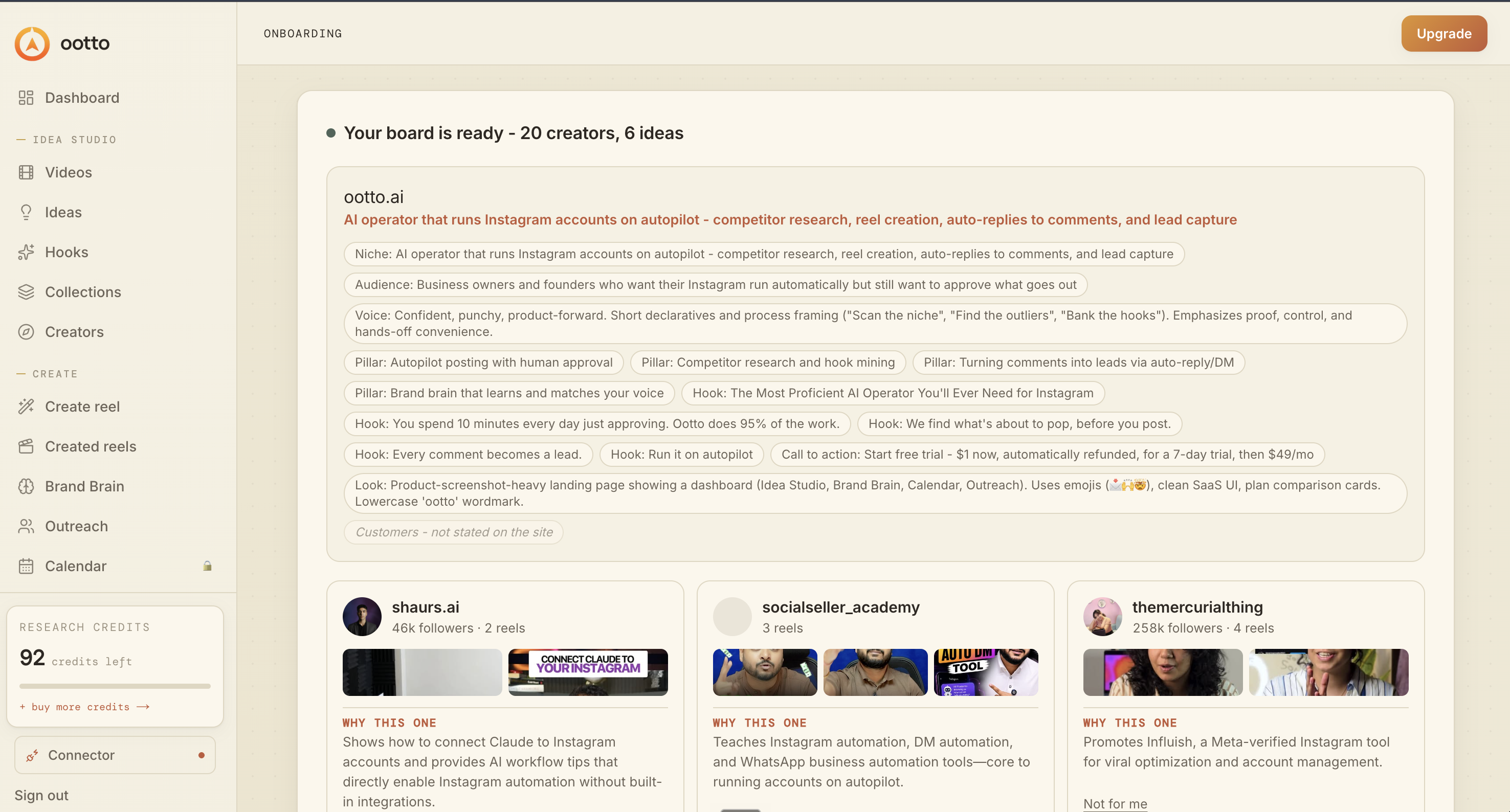
Board reads back your context
Your audience, pillars, voice, and creator signals are filled from account context.
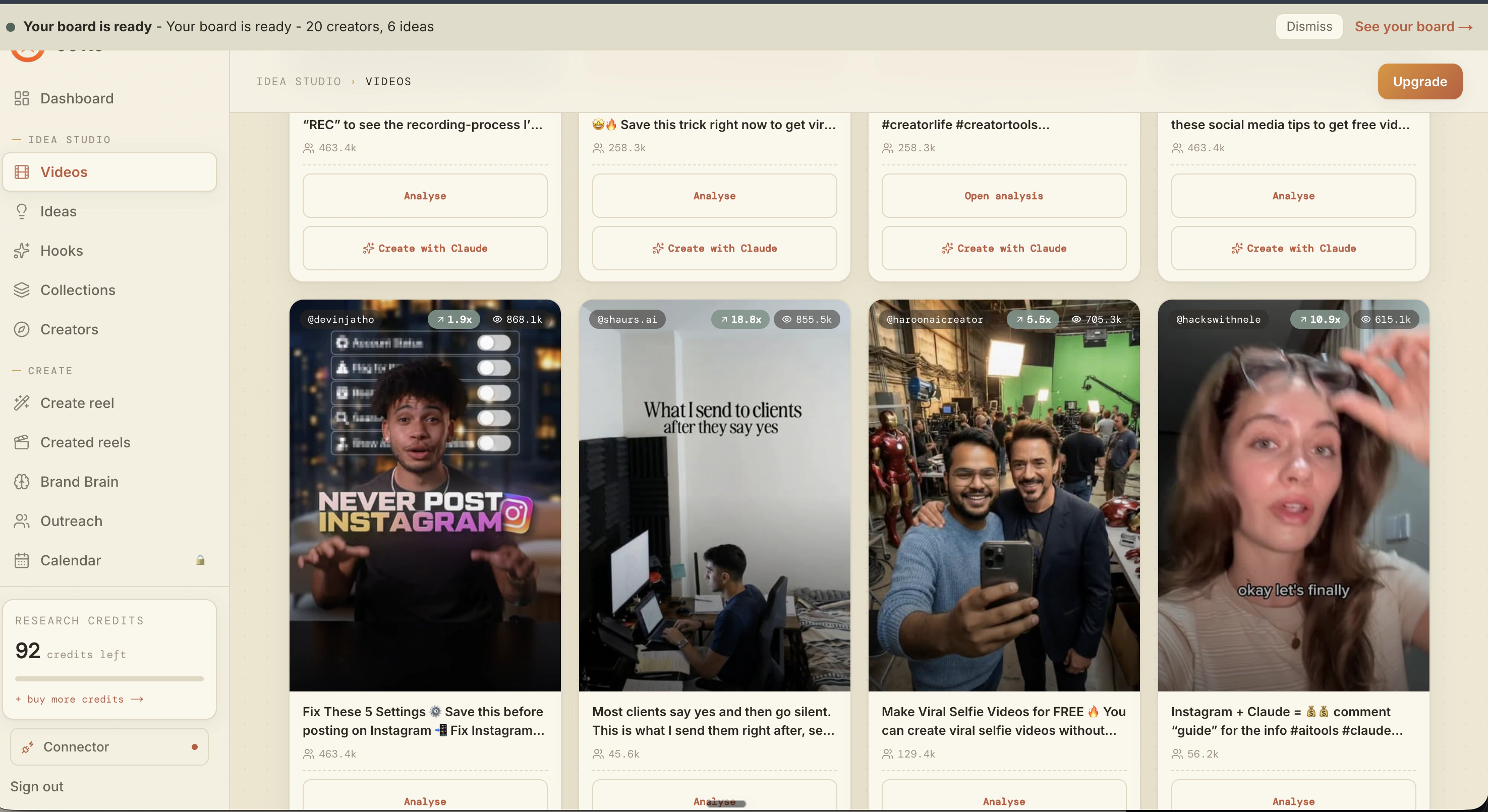
What is actually working now
Ootto pulls what is moving in your niche and loads ranked examples in board.
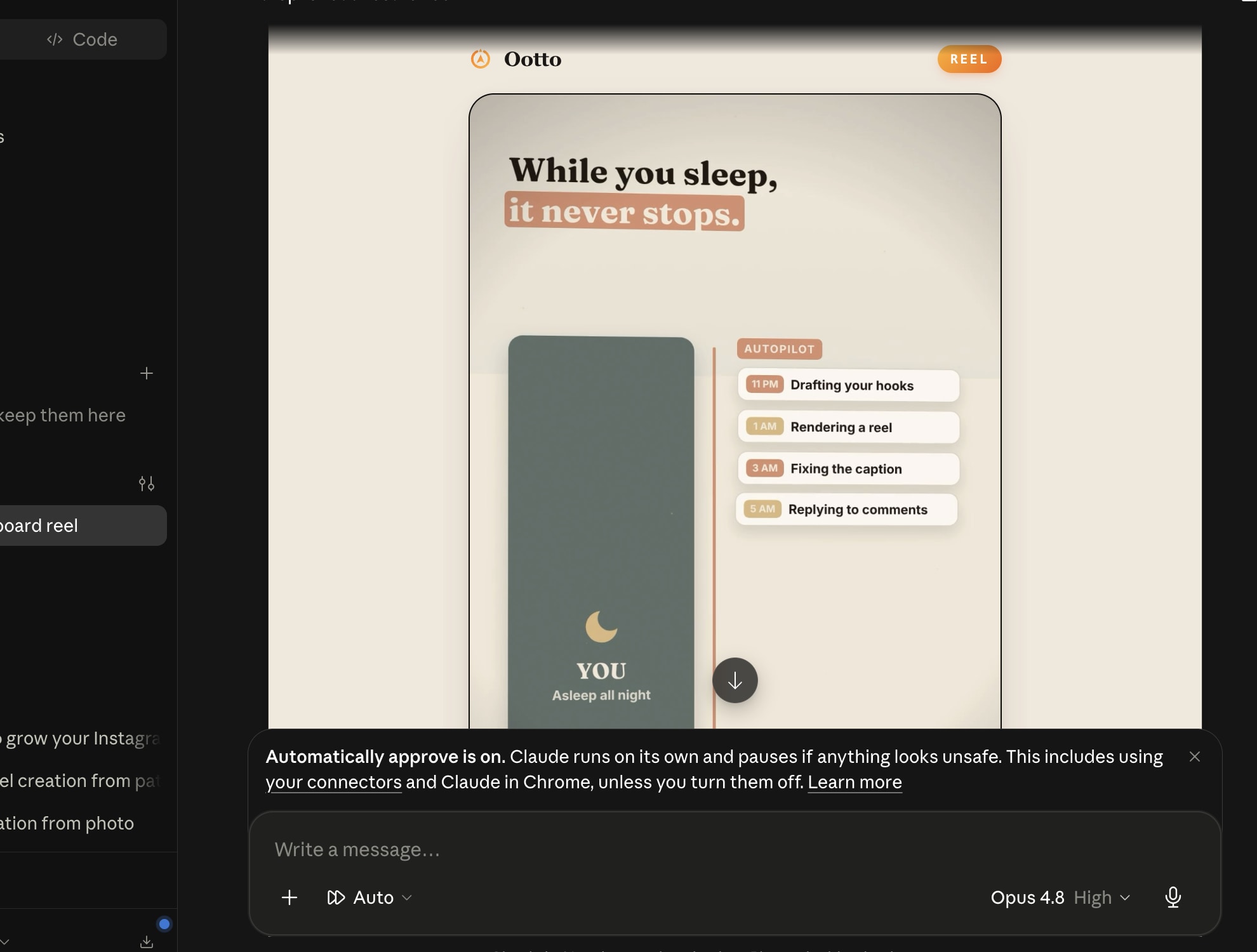
Reels post, comments get answered
Finished reels publish to Instagram and comments are answered with public replies plus DM follow-ups.
Ootto
Run Ootto in your Claude
Skip the manual setup
- Finds winning content opportunities
- Creates on-brand Reels and captions
- Replies to comments instantly
- Starts personalized DM conversations
- Qualifies leads automatically
- Helps book calls and drive sales
- Learns and improves with every interaction
One AI. Every Post. Every Comment. More Leads. More Sales.
Get started$1 today, non-refundable. Starts your 7-day trial, then $48/mo. Cancel anytime.
Get started