
Content
I gave Claude my Instagram and it started an auto-reply system
Jayant Joshi · 4 min read · August 13, 2026
Built Ootto and runs its Instagram on it
How to use this
1Connect Claude to Instagram
Connect Claude to your Instagram account
One click opens Claude with the connector already filled in - sign in, authorize, and it's live. No key to copy, no setup outside your browser.
https://mcp.ootto.ai/mcpConnect2Add the skills
Once Claude can reach your account, give it the methods to work with. Clone the free repository and Claude discovers the skills automatically.
git clone --depth 1 https://github.com/Ootto-AI/claude-content-skills.git && bash claude-content-skills/install.shBrowse all 30 skills on GitHubInstructions: how to connect your Instagram account to Claude
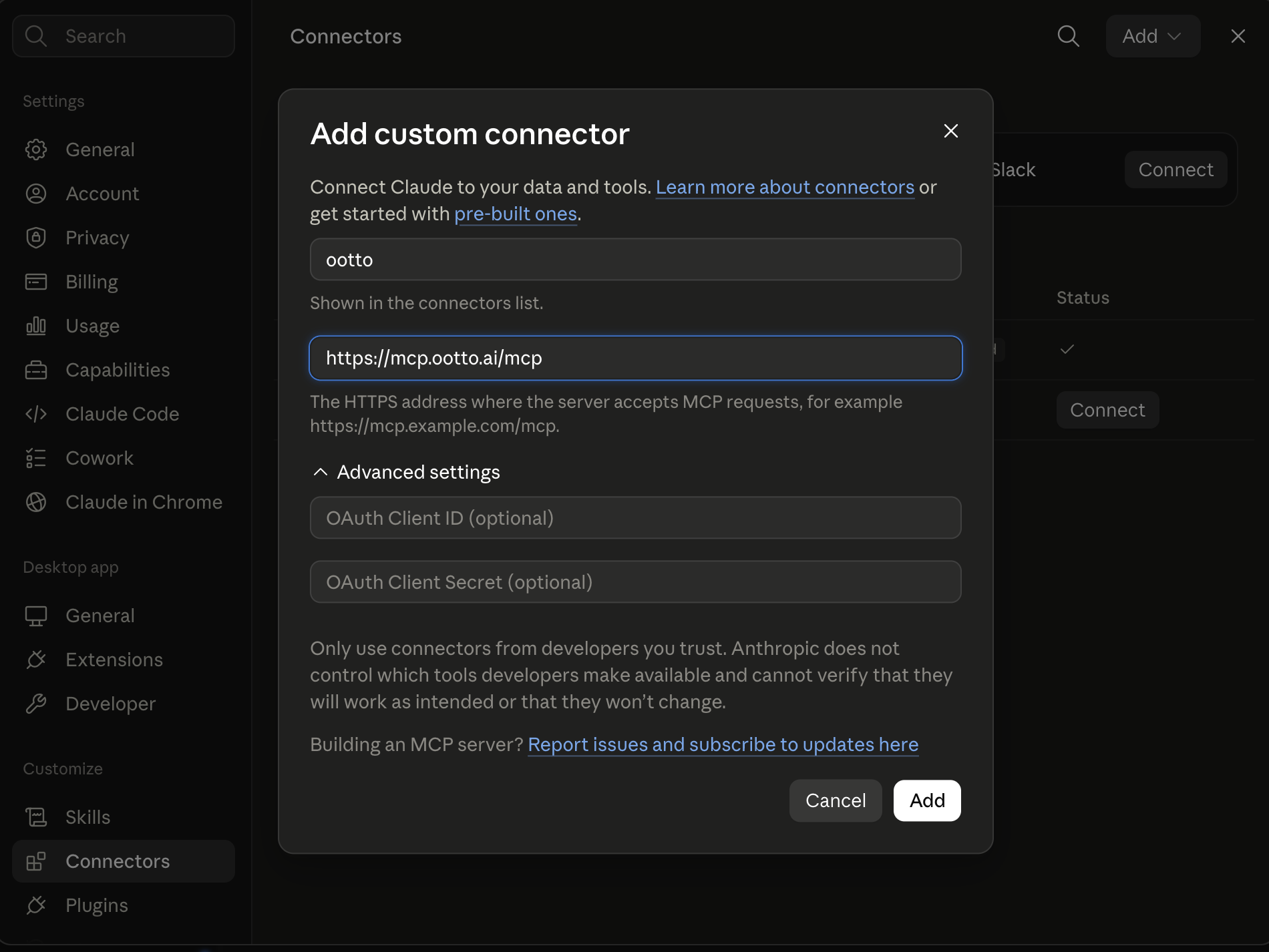
Connect above does this for you. If Claude ever opens the dialog empty, here's exactly what goes where:
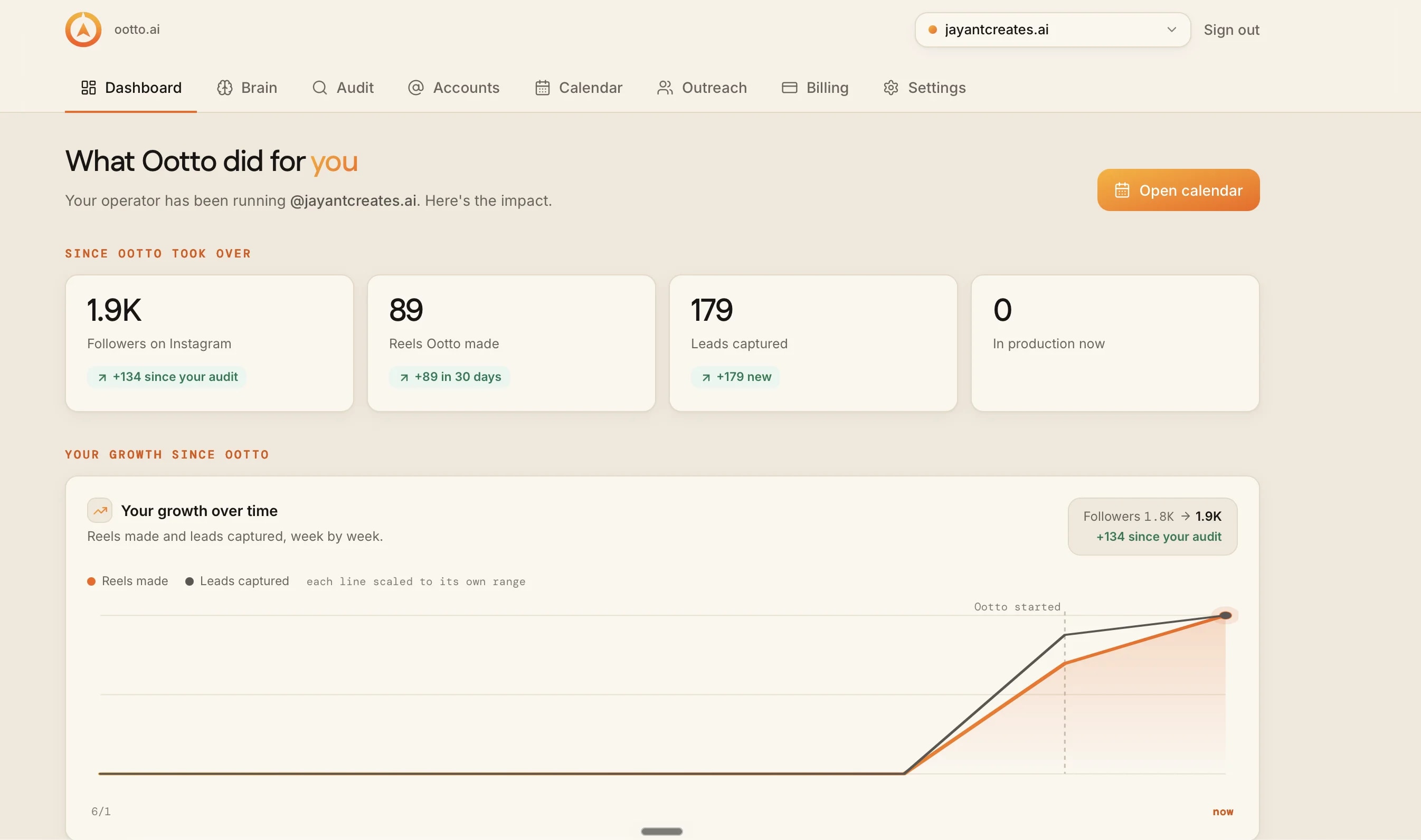
78 posts found, 77 audited
The first pass found 78 posts and ran the audit on 77 of them before the run moved into production routing.
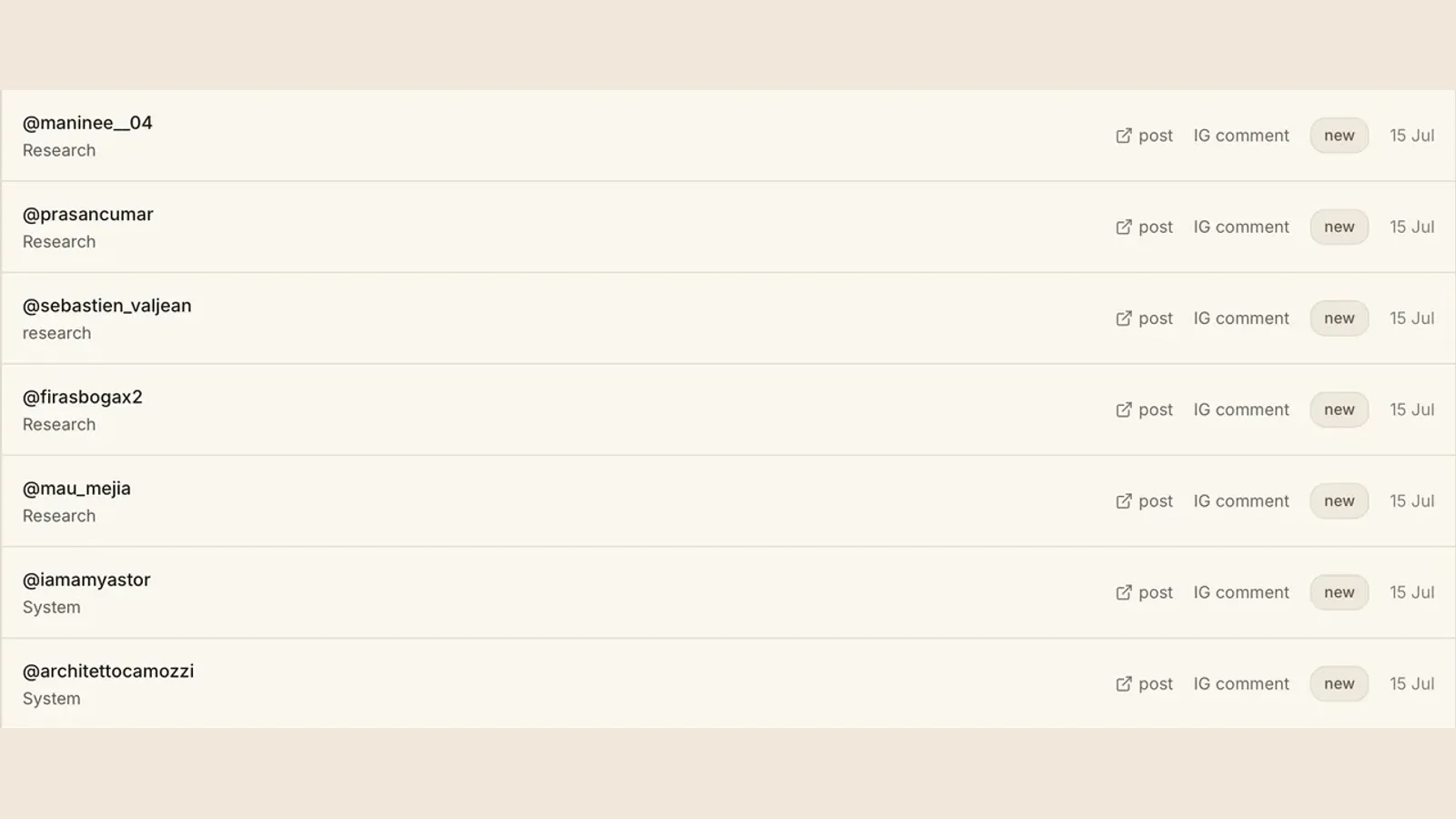
560 comments classified
This run produced 560 top-level classified comments before anything was marked as safely sent.
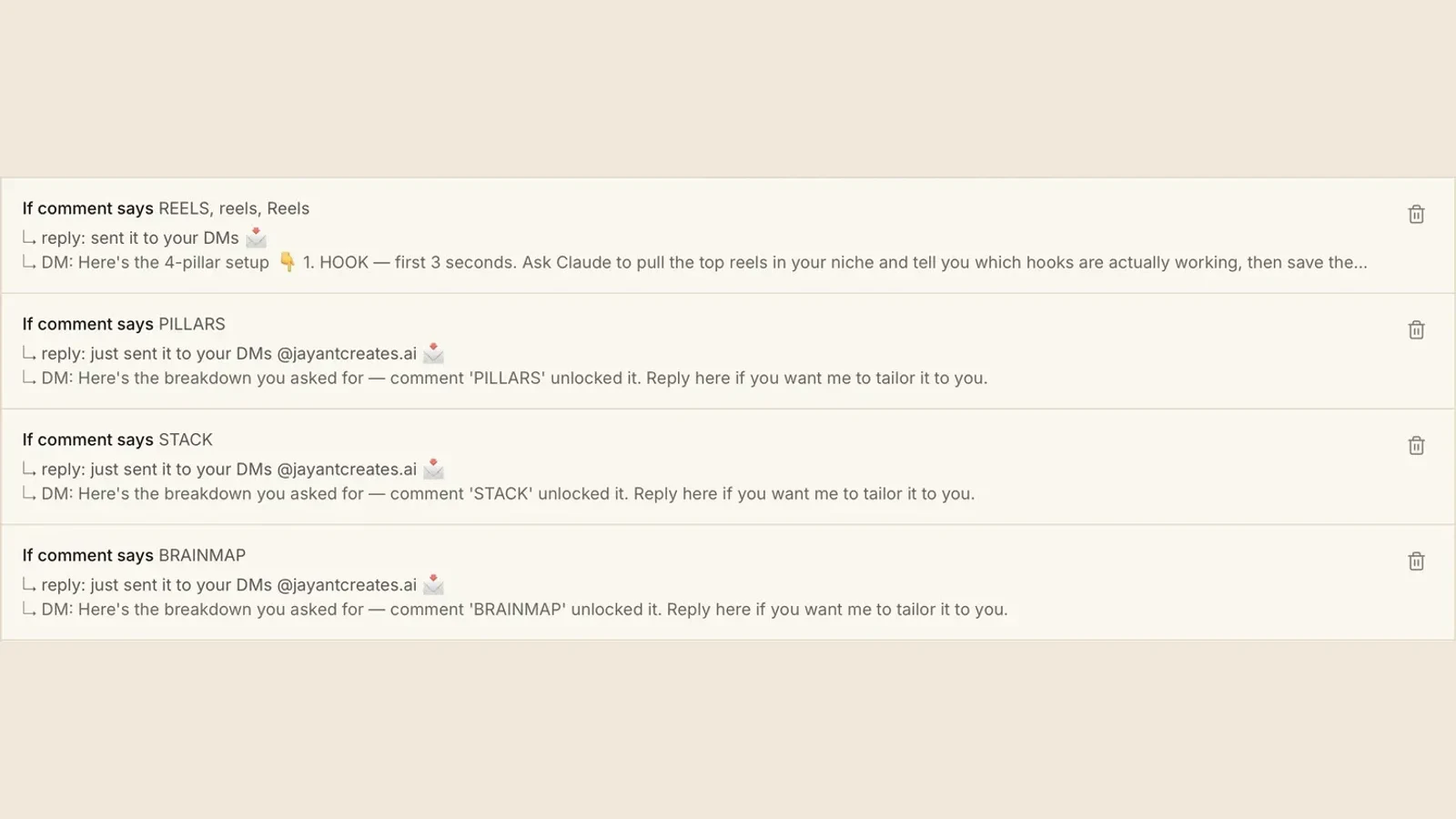
18 keywords live
The live map carried 18 keywords. This screen shows four rows from that map and the same reply path used to test them.
I built this because comment automation is easy to claim and hard to prove.
The run had one clear success condition: prove that what was sent actually shipped.
The first attempt didn't prove anything shipped
The first attempt solved classification but did not prove outbound behavior.
For a run that touches real people, we wanted three gates:
- classification confidence,
- route integrity,
- successful delivery.
If any gate failed, the answer should be treated as incomplete.
The three gates a real run has to clear
First we built a measurable candidate set.
Build an audited candidate list from recent posts and return comment counts by topic and classification outcome.
Returned 560 top-level classified comments, then broke down which keyword buckets were active.
Then we created the route map.
Build a first-pass reply map from the classification output, and return route-to-keyword coverage.
Returned 18 live keywords and identified 43 comments where coverage was missing.
Then we tested send end-to-end, including identity and response split.
Send the AUDIT response in-thread and move the resource into DM with explicit send status.
Returned initial send status plus a route log that exposed a transport issue before any full rollout.
What failed in the first pass
The run exposed two failure classes inside production behavior.
Print the full send log for queued items, with explicit failure and identity metadata.
The log exposed a swallowed transport error where outbound send was not visibly failing in the initial state.
Run the same response using a test account and confirm sender metadata matches expected profile.
A test account sent placeholder copy under our identity; this made us pause before continuing.
Those were not minor issues. They were proof-level failures because they were silent from the outside.
What changed after the breakages
We changed the run contract to require explicit delivery confirmation before considering a comment handled.
After classification and routing, only mark a response done if the send event is acknowledged and status is explicit.
Returned a narrower but trustworthy result set, with unresolved cases staying unresolved.
Split reply behavior into public in-thread response and DM resource handoff for the same keyword path.
Returned a consistent reply contract that can be read at a glance in the audit log.
Final evidence from this run
- 78 posts found.
- 77 posts audited.
- 560 top-level comments classified.
- 43 comments had missing keyword coverage.
- 18 live keywords after route adjustments.
- 10 replies confirmed sent.
- 12 replies could not be confirmed as sent due to age-window, marker, or unresolved not-found states.
- New comments on this path were answered within five minutes after the send fix.
We don't call it done when the check fails
Before shipping, we added two hard checks:
- an explicit send status check in the queue,
- a sender identity check before any run is considered stable.
This is now the standard for every auto-response loop that touches comments.
When the check fails, we do not call it done.
What I would reject in this setup
I would reject any run where one of these is missing:
- no classified count,
- no route map,
- no explicit send acknowledgment,
- no verified sender context.
That is the rule we now use because this flow can affect real conversations in public.
Re-run this same sequence again without changing the keyword map.
The expected output should stay the same: confirmed routing, explicit failures, and no hidden success state.
One decision, three rules for every run after
We made one operational decision after this:
- keep the same run windows tight enough to debug,
- keep explicit send logs in the same queue,
- keep identity checks on before any wider distribution.
That avoids shipping a half-working pipeline as if it were finished.
If the run cannot show explicit send status, do not publish it as production-safe.
This is now the only stable policy to prevent false confidence from silent failures.
Route A: do it yourself
Start with the exact free skill for this outcome
MIT, no account, no email. Install first, then run the command for your account.
For comment leads: Comment Responder
git clone --depth 1 https://github.com/Ootto-AI/claude-content-skills.git && bash claude-content-skills/install.sh
Installs the free MIT Content Skills bundle into ~/.claude/skills in one shot.
/comment-responder GUIDE - send this resource: [free guide link]
Converts qualifying comments into a public reply + DM flow and logs each lead.
Route B: let Ootto run it
Ootto replicates this on autopilot
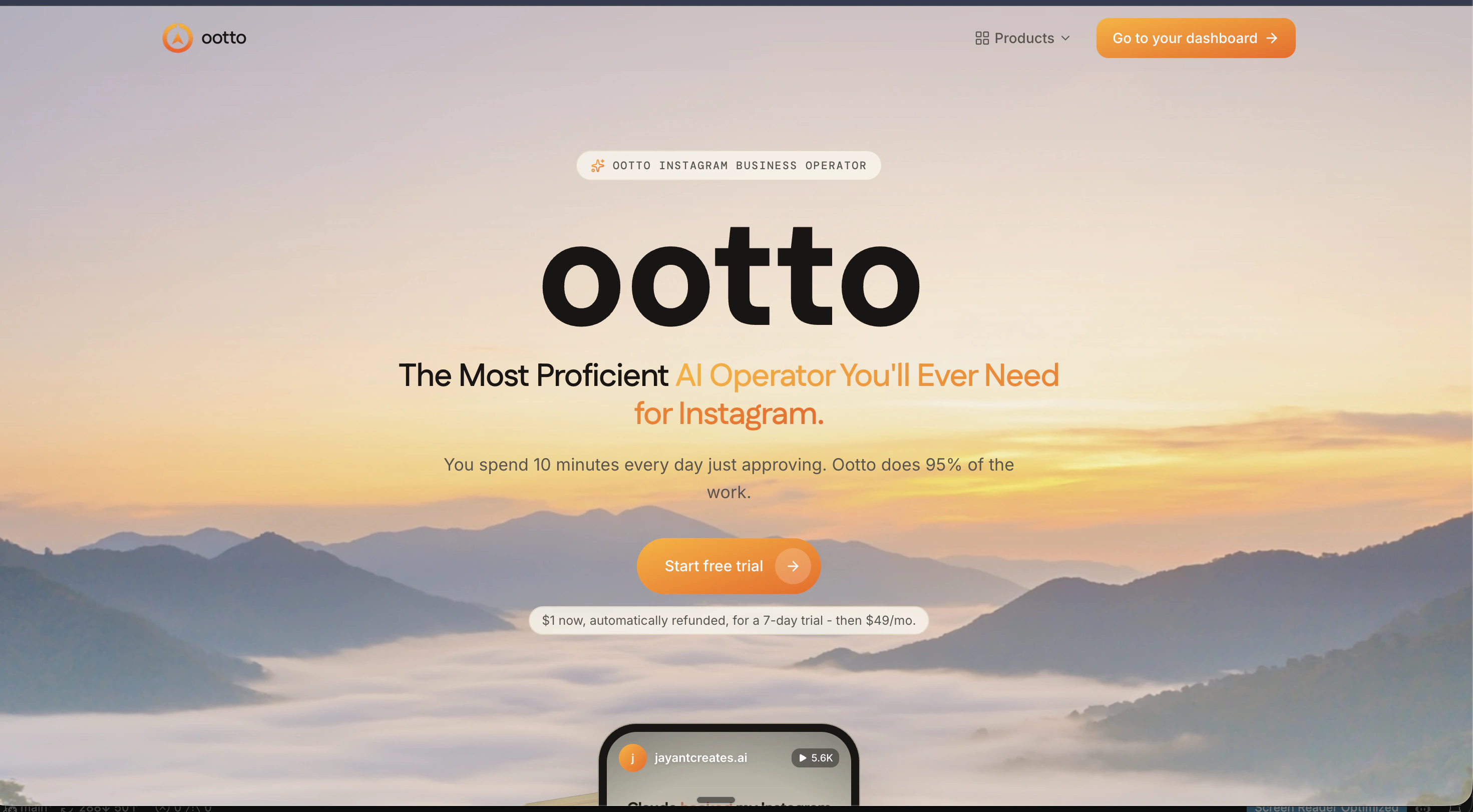
Open the dashboard, connect once, then let the pipeline handle research, production, and lead replies.
Open the connector dashboard
Go to /content/login, sign in, and open your Ootto content dashboard.
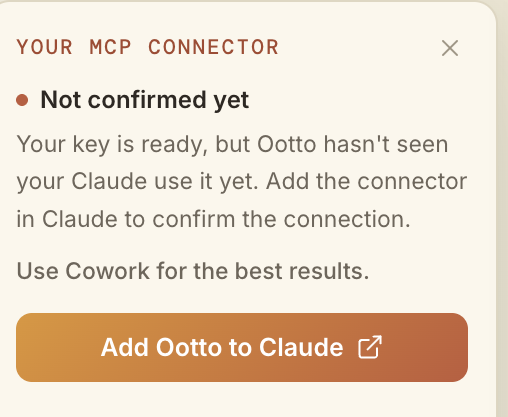
Add Ootto to Claude
Use the one-button Add flow so Ootto appears in Claude's Connectors panel.
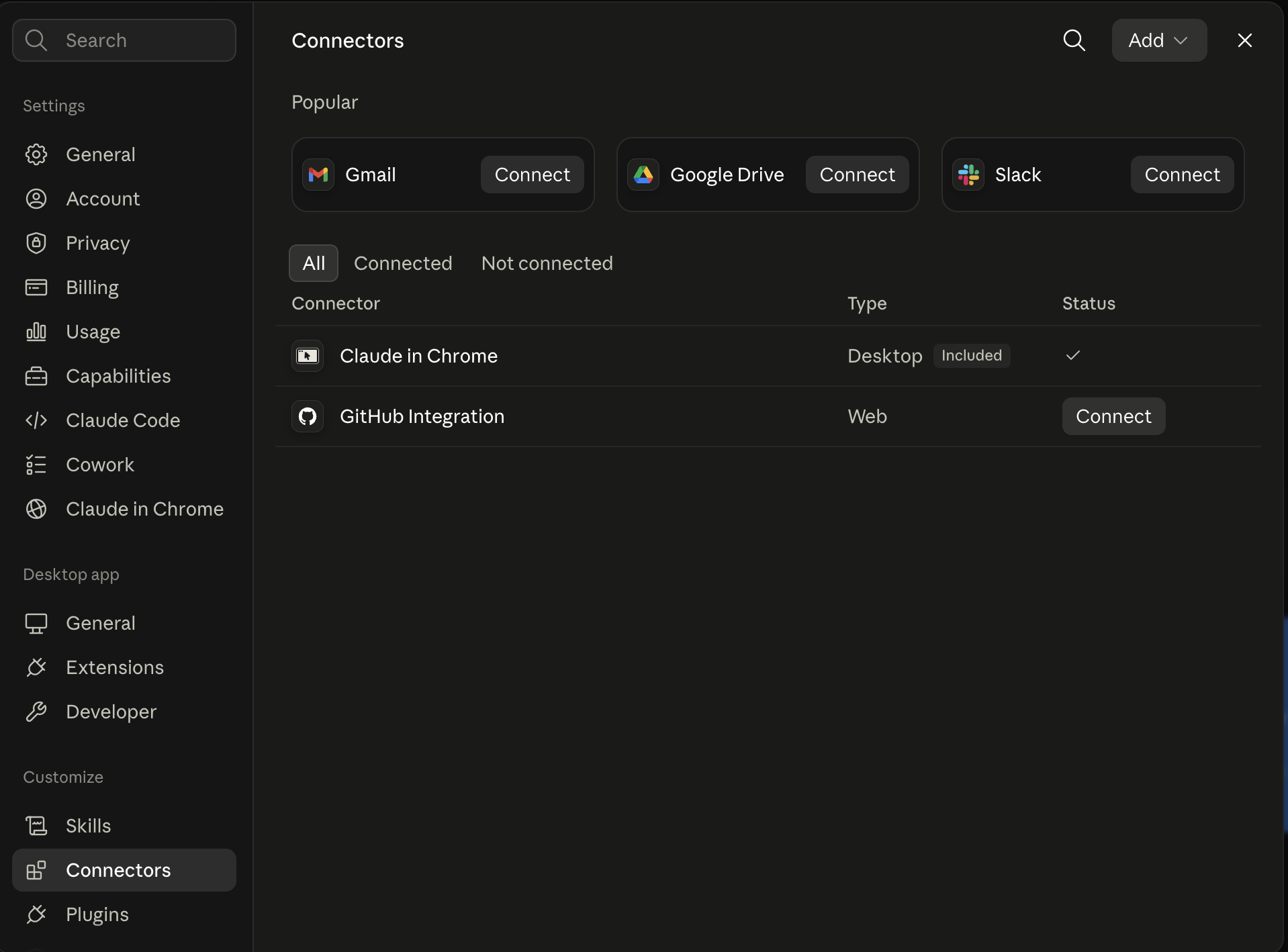
Claude shows the connector
The connector lands in Claude's Connectors settings, confirming Ootto is wired.
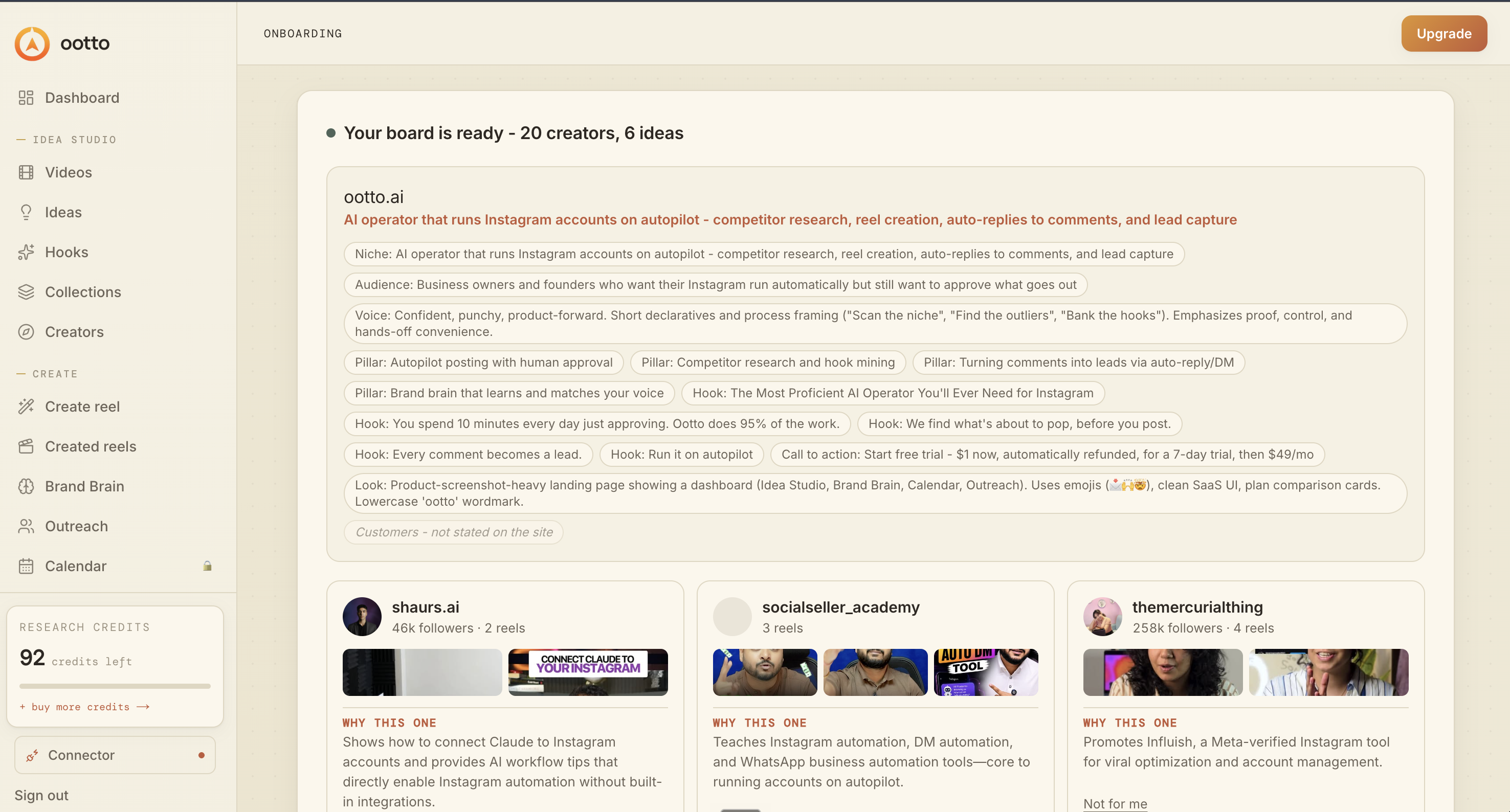
Board reads back your context
Your audience, pillars, voice, and creator signals are filled from account context.
What is actually working now
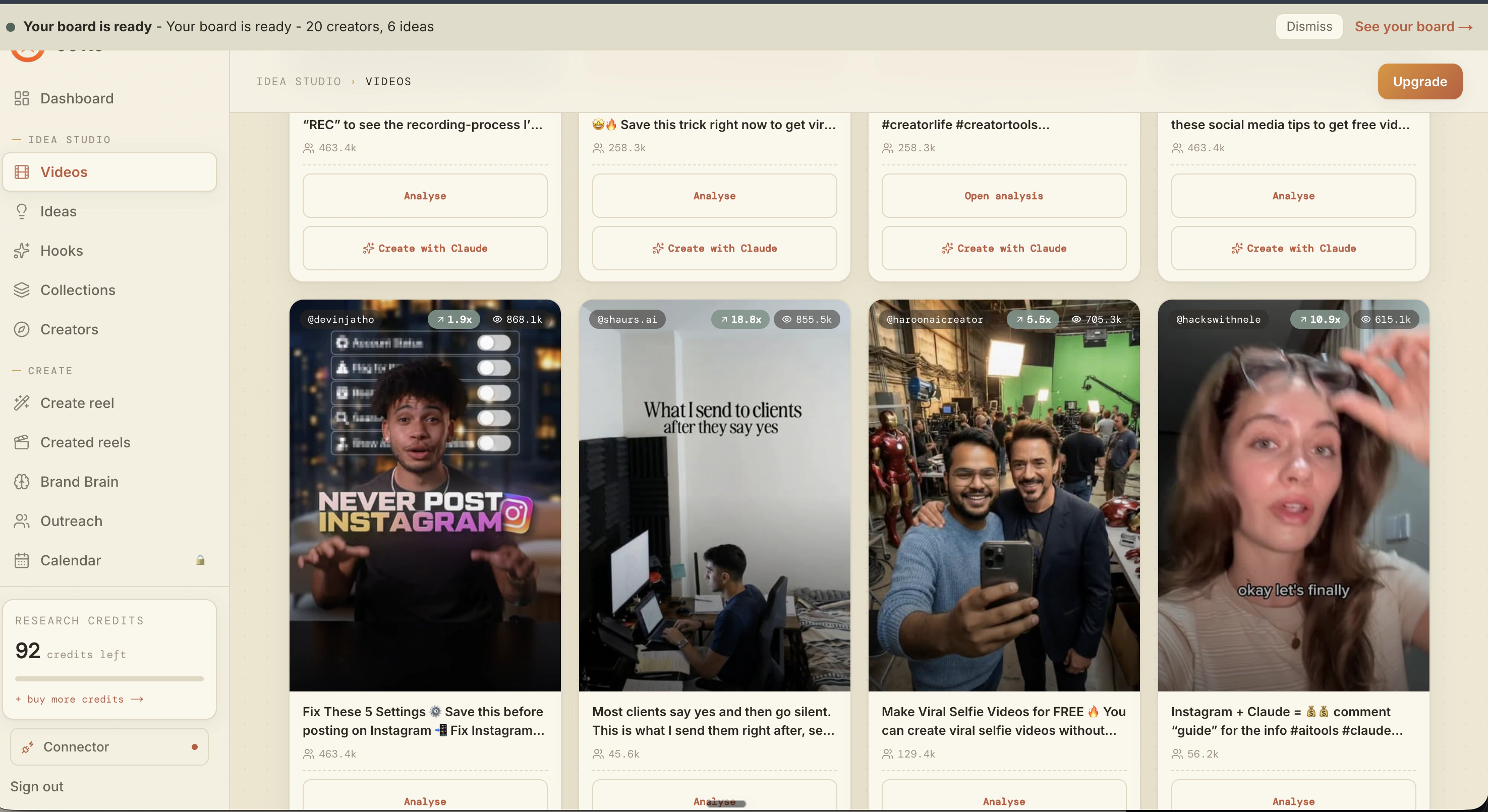
Ootto pulls what is moving in your niche and loads ranked examples in board.
Reels post, comments get answered
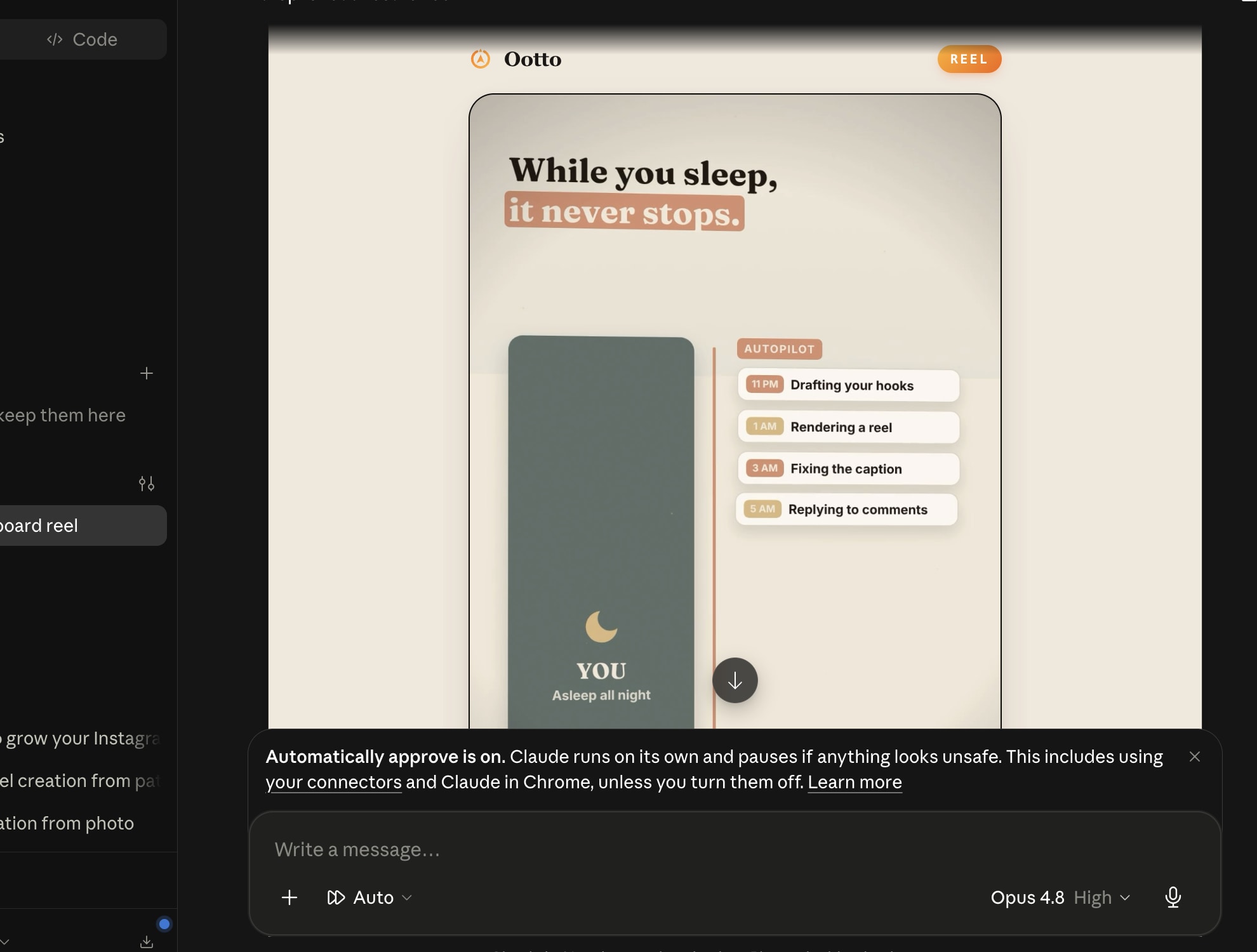
Finished reels publish to Instagram and comments are answered with public replies plus DM follow-ups.
Get started