
Content
How to Automate Your Instagram Content With AI (Reels on Autopilot)
The Ootto Team · 3 min read · June 15, 2026

How to use this
1Connect Claude to Instagram
Connect Claude to your Instagram account
One click opens Claude with the connector already filled in - sign in, authorize, and it's live. No key to copy, no setup outside your browser.
https://mcp.ootto.ai/mcpConnect2Add the skills
Once Claude can reach your account, give it the methods to work with. Clone the free repository and Claude discovers the skills automatically.
git clone --depth 1 https://github.com/Ootto-AI/claude-content-skills.git && bash claude-content-skills/install.shBrowse all 30 skills on GitHubInstructions: how to connect your Instagram account to Claude
Connect above does this for you. If Claude ever opens the dialog empty, here's exactly what goes where:
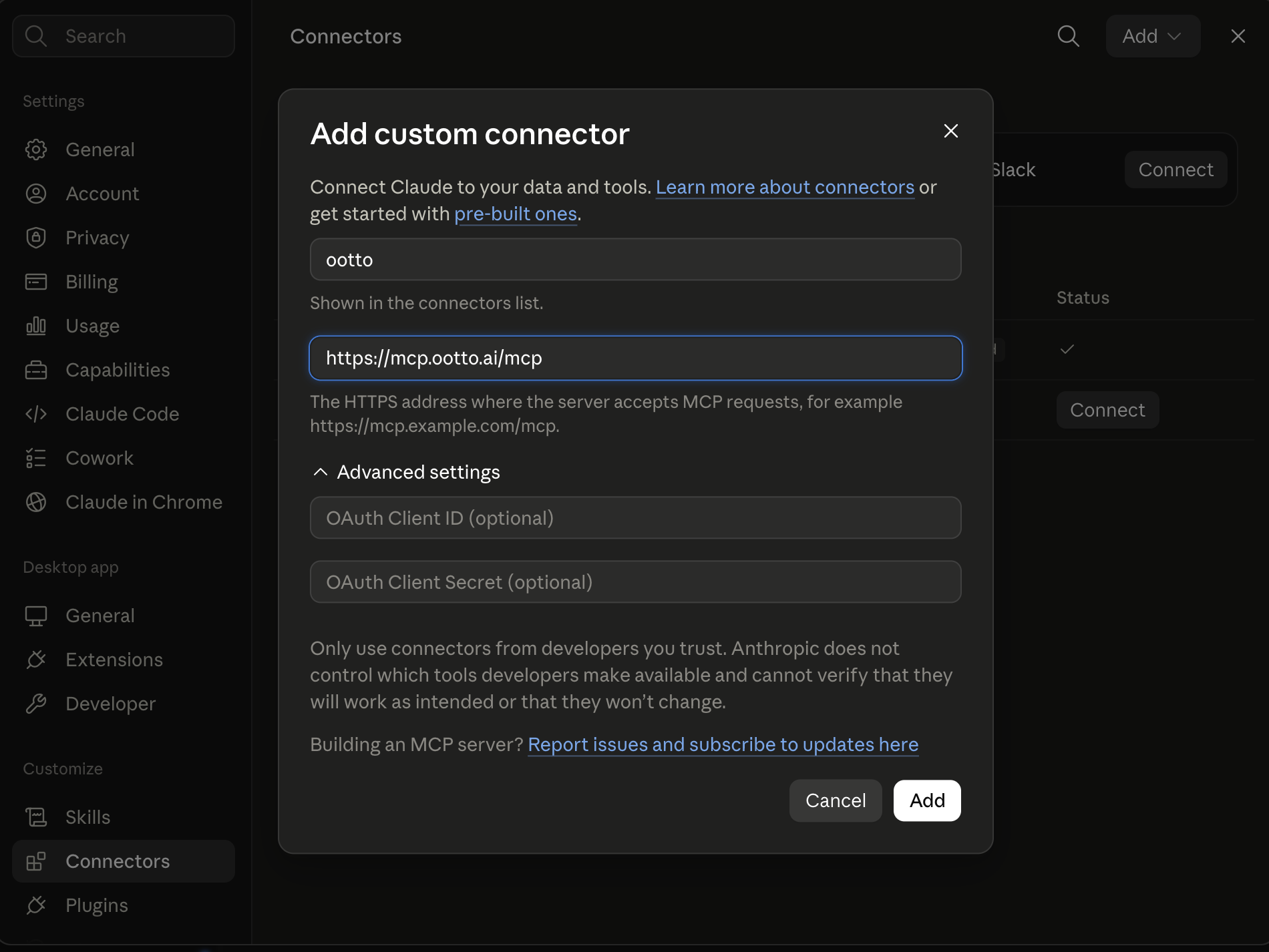
Ootto
Your 24/7 Instagram Growth Operator
Skip the manual setup
- Posts finished Reels straight to your Instagram
- Real motion-graphic Reels, not slideshows
- Built around your own photos and footage
- Finds winning content opportunities in your niche
- Writes on-brand scripts and captions
- Answers every comment by your own keyword rules
- DMs qualified leads and starts the conversation
- Runs up to 50 Instagram accounts
One AI. Every Post. Every Comment. More Leads. More Sales.
Posting consistently is the job that quietly never ends. You know reels work, you know you should post more — but every video is a blank page: a hook to invent, a script to write, a caption to agonize over. After a day of actually running the business, the blank page wins.
This is how to put the repetitive parts on autopilot. Not "ask ChatGPT for ideas" — an actual pipeline that turns one idea (or one old blog post) into a week of Instagram reels, in your voice, modelled on what's already worked for you.
The content factory, in five steps
The whole thing is a chain. Each step is one focused job:
- Repurpose — feed in a blog post, podcast, or long video and pull out 5+ reel-worthy ideas.
- Hook — write 10 scroll-stopping openings for the first 3 seconds, and test the best 2-3.
- Script — turn the winning hook into a tight 30-45s script with spoken lines + on-screen text.
- Caption + hashtags — the copy that gets it shared and the tags that get it found.
- Calendar — sequence the week's reels into a postable Mon/Wed/Fri plan you'll actually film.
Run it once and you have a week of content instead of a blank Monday.
Get the skills free: the whole pipeline is a set of copy-paste Claude skills on GitHub → Claude Content Skills. Install them as a Claude Code plugin, or paste any prompt into claude.ai.
The part that makes it yours: memory
Generic AI content sounds generic because the AI has no memory of what's worked for you — it writes from the average of the internet.
The fix is to give Claude a memory. Connect a Google NotebookLM notebook full of your best past reels, transcripts, and brand voice, and every step above generates from your proven patterns instead of a blank slate. We wrote the full setup here: How to Give Claude a Permanent Memory with NotebookLM.
Once that's wired up, you can tell any skill "use the hooks that performed best in my notebook" — and the factory compounds: post the winners, feed them back, and next week's output is sharper.
A realistic weekly rhythm
- Monday (20 min): repurpose last week's blog post → 5 reel ideas → scripts for the best 3.
- Tuesday (film day): batch-film all 3 in one sitting.
- Across the week: captions + hashtags per reel, scheduled Mon/Wed/Fri.
- Friday: drop the new winners into your NotebookLM so the memory keeps improving.
That's a sustainable cadence — the kind that actually grows an account — without it eating your week.
The faster path: let Ootto run it
The skills above are free and they work. But they're still manual — you open Claude, paste the idea, write the caption, schedule the post. Fine for one reel; a grind at five a week.
Ootto is the done-for-you version. Connect your accounts once — Instagram, and the tools you already use — and Ootto learns your business and your voice, then drafts, schedules, and runs the content (and the rest of your operations: invoices, leads, reports) on autopilot. The skills are manual mode; Ootto is the autopilot. (New to the idea? Start with the AI business automation guide.)
Route A: do it yourself
Start with the exact free skill for this outcome
MIT, no account, no email. Install first, then run the command for your account.
For this outcome: Content Factory
git clone --depth 1 https://github.com/Ootto-AI/claude-content-skills.git && bash claude-content-skills/install.sh
Installs the free MIT Content Skills bundle into ~/.claude/skills in one shot.
/content-factory - my niche is [niche], model this reel: [reel URL], my handle @..., CTA keyword GUIDE
Runs the full pipeline order for the post: research, hook, script, build, caption, and comment-to-DM lead setup.
Route B: let Ootto run it
Ootto replicates this on autopilot
Open the dashboard, connect once, then let the pipeline handle research, production, and lead replies.
Open the connector dashboard
Go to /content/login, sign in, and open your Ootto content dashboard.
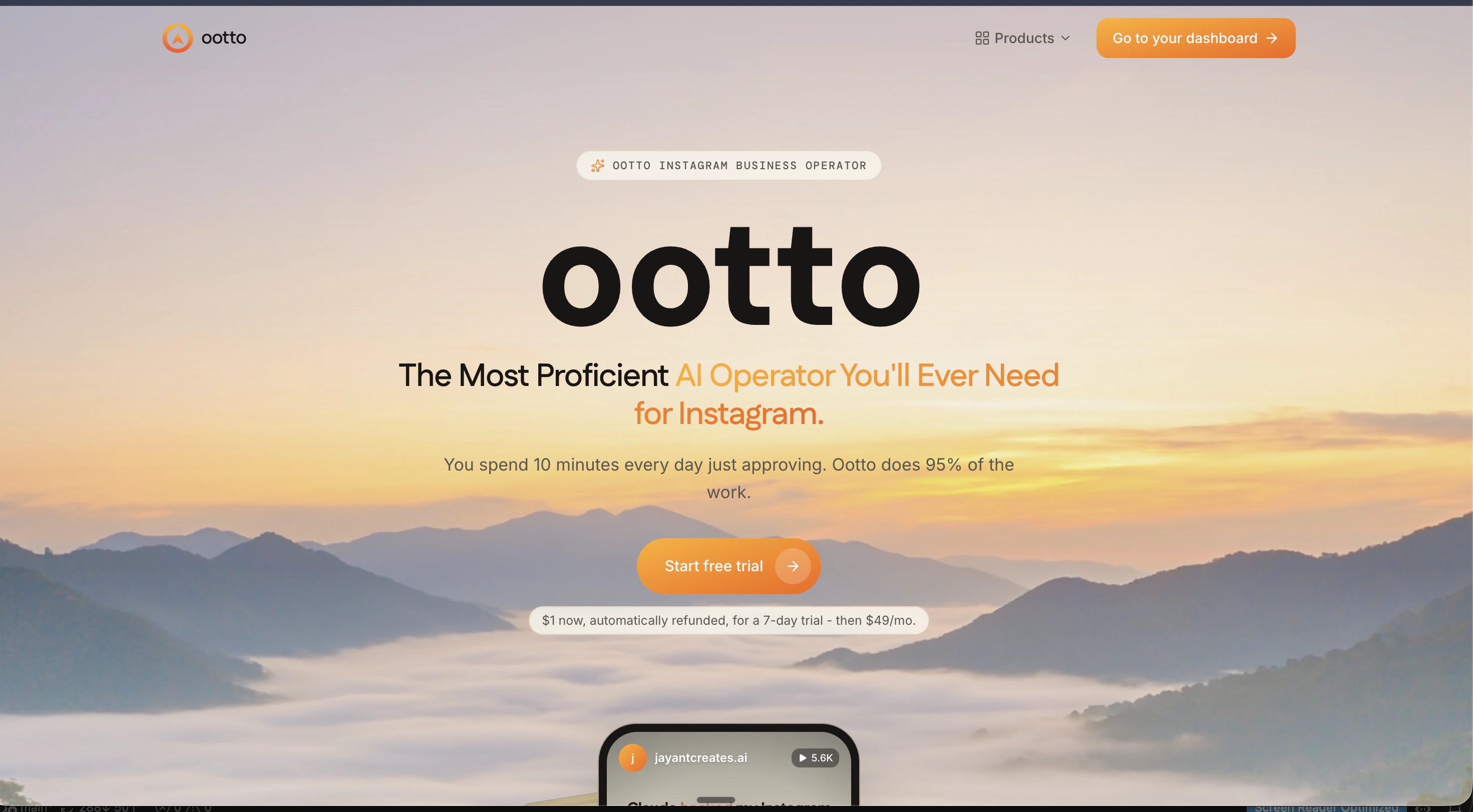
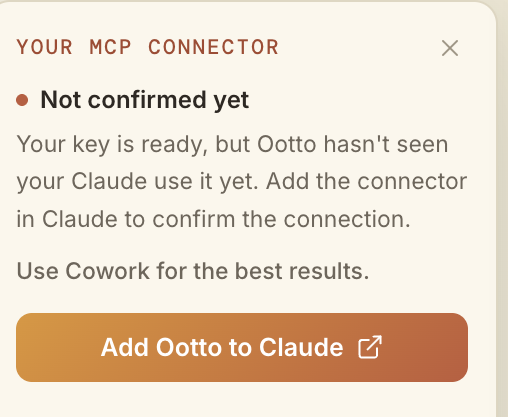
Add Ootto to Claude
Use the one-button Add flow so Ootto appears in Claude's Connectors panel.
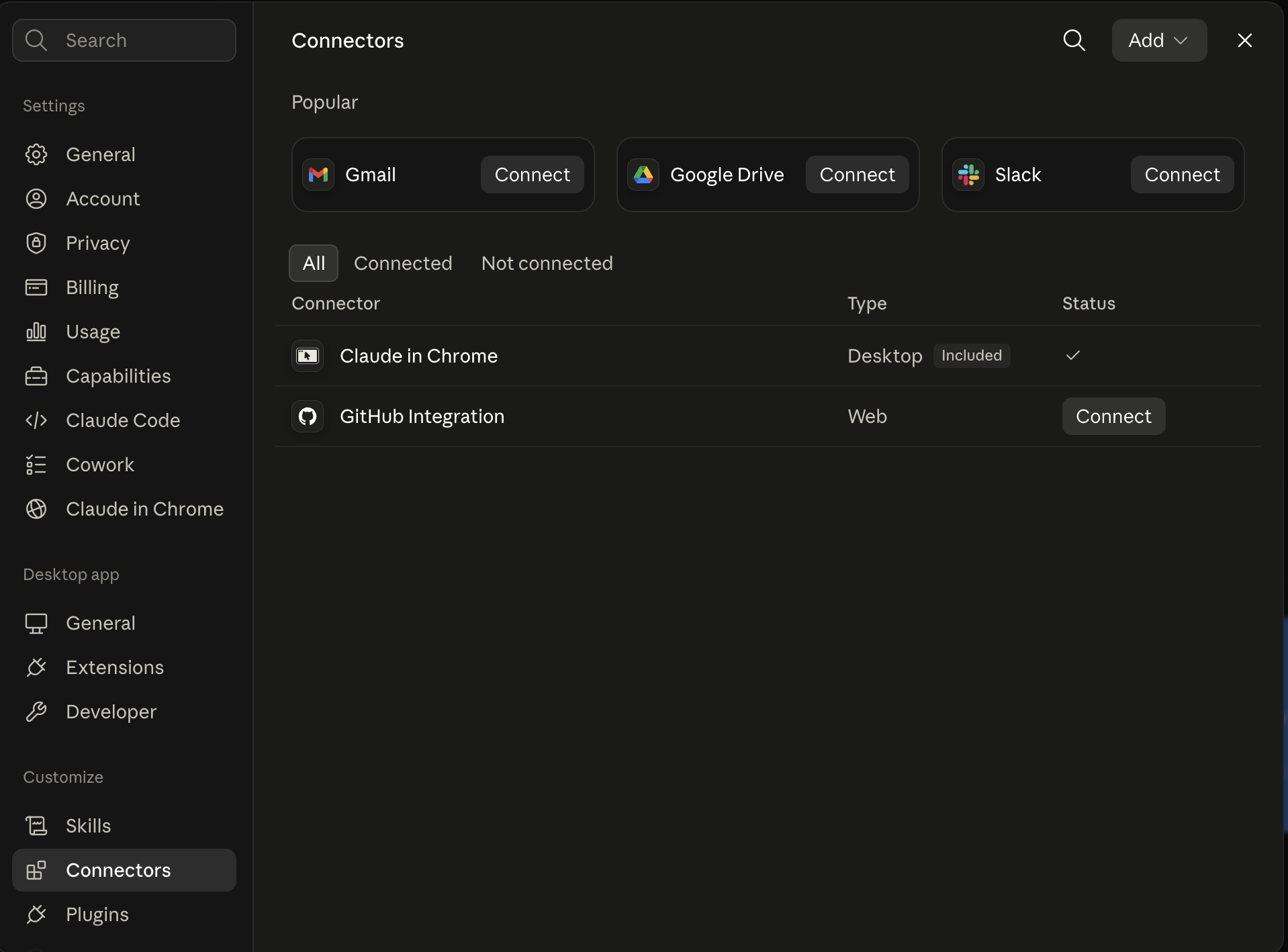
Claude shows the connector
The connector lands in Claude's Connectors settings, confirming Ootto is wired.
Board reads back your context
Your audience, pillars, voice, and creator signals are filled from account context.
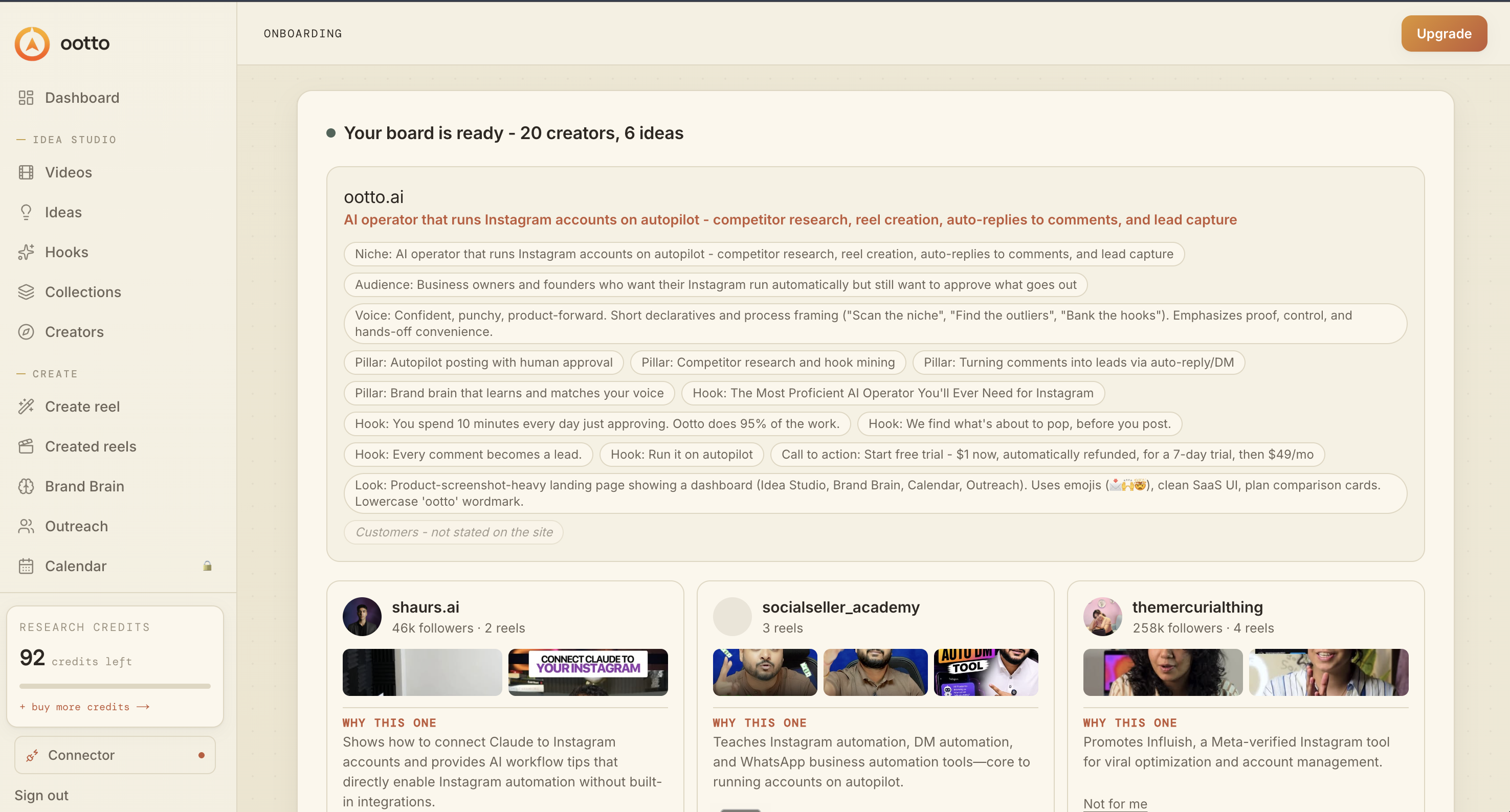
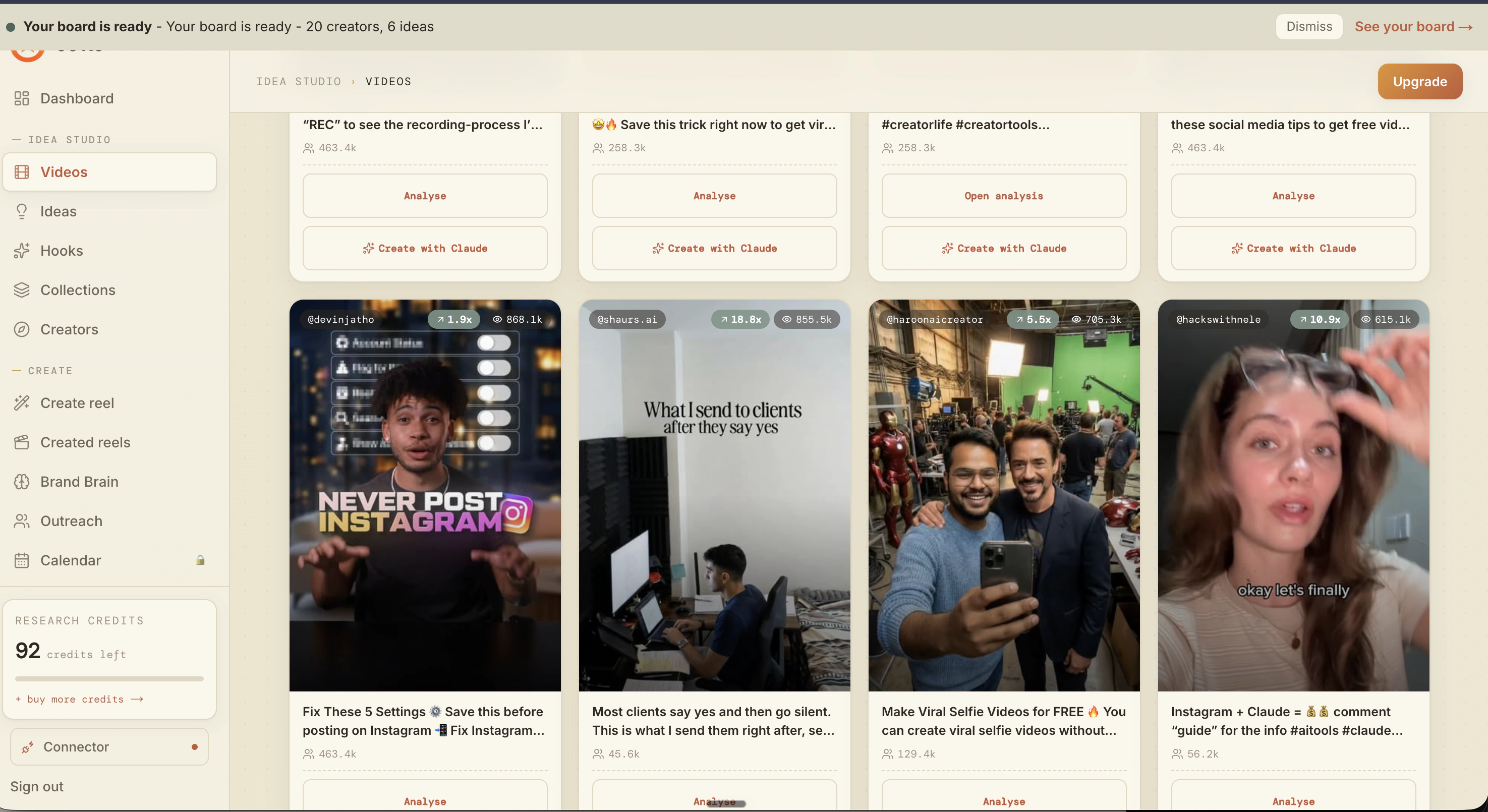
What is actually working now
Ootto pulls what is moving in your niche and loads ranked examples in board.
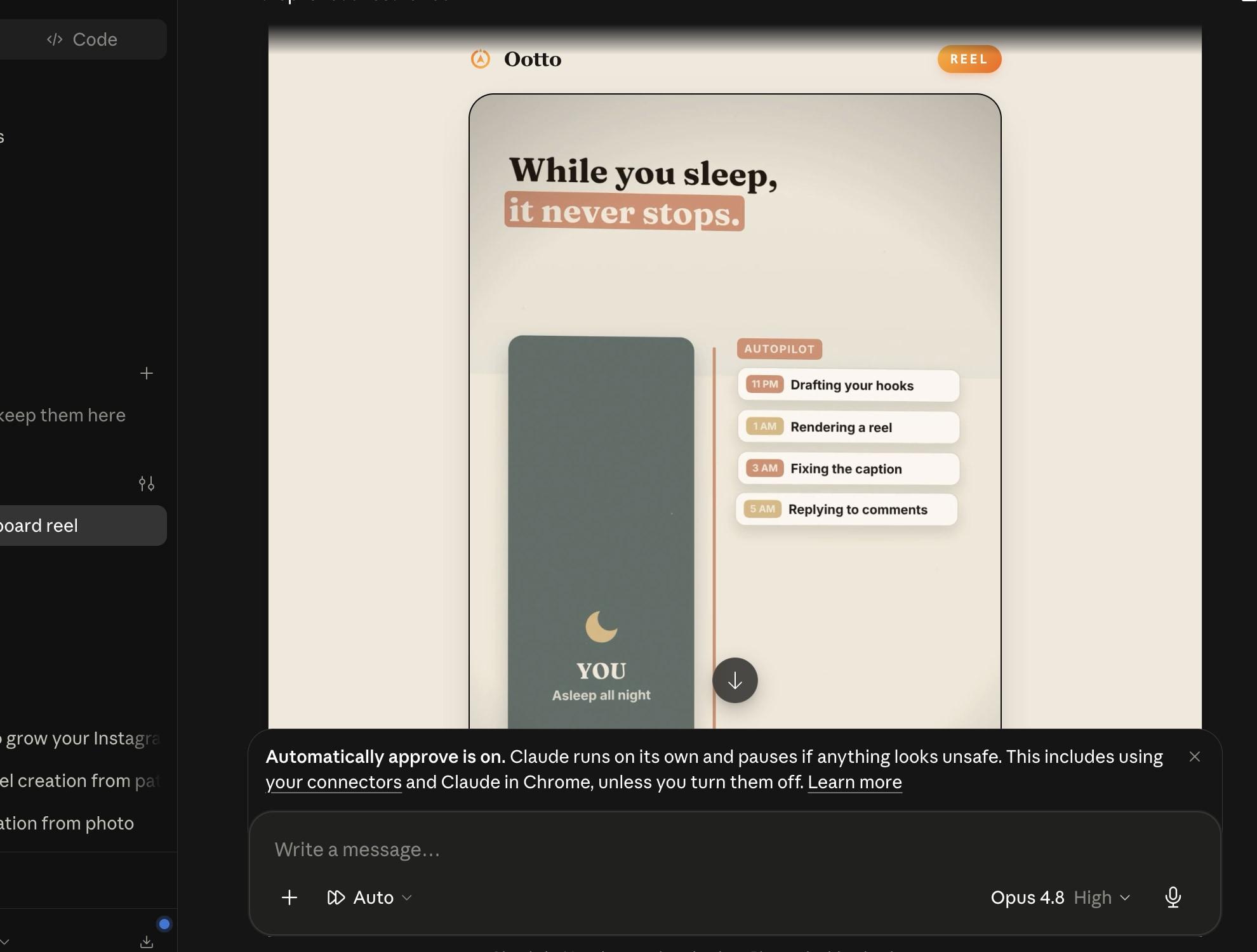
Reels post, comments get answered
Finished reels publish to Instagram and comments are answered with public replies plus DM follow-ups.
Ootto
Run Ootto in your Claude
Skip the manual setup
- Finds winning content opportunities
- Creates on-brand Reels and captions
- Replies to comments instantly
- Starts personalized DM conversations
- Qualifies leads automatically
- Helps book calls and drive sales
- Learns and improves with every interaction
One AI. Every Post. Every Comment. More Leads. More Sales.
Get started$1 today, non-refundable. Starts your 7-day trial, then $48/mo. Cancel anytime.
Get started