
Content
Claude's skill for keeping a two-week posting streak alive
The Ootto Team · 1 min read · August 17, 2026
How to use this
1Connect Claude to Instagram
Connect Claude to your Instagram account
One click opens Claude with the connector already filled in - sign in, authorize, and it's live. No key to copy, no setup outside your browser.
https://mcp.ootto.ai/mcpConnect2Add the skills
Once Claude can reach your account, give it the methods to work with. Clone the free repository and Claude discovers the skills automatically.
git clone --depth 1 https://github.com/Ootto-AI/claude-content-skills.git && bash claude-content-skills/install.shBrowse all 30 skills on GitHubInstructions: how to connect your Instagram account to Claude
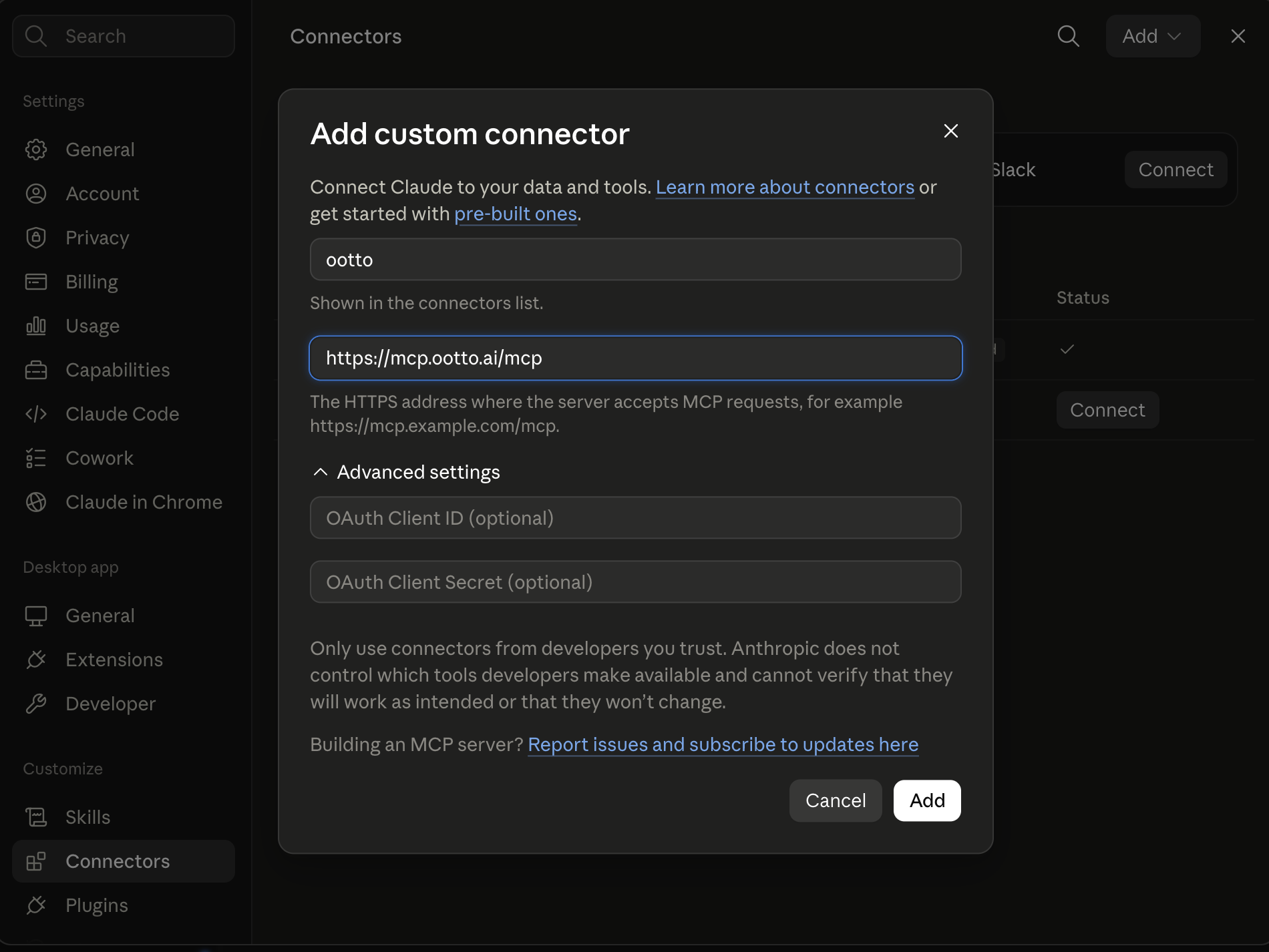
Connect above does this for you. If Claude ever opens the dialog empty, here's exactly what goes where:
Most calendars are visual noise. A posting rhythm only works when each slot has one clear objective and one expected format.
content-calendar does that mapping for the next 14 days.
When "what to post tomorrow" stops being a question
/content-calendar my niche is [niche], pillars: [pillar list]
/content-calendar my niche is [niche], pillars: [pillar list]
The returned draft included day-by-day formats, hooks, and a lead-focused goal.
The real output
The schedule came back with a fixed two-week sequence: alternation, recovery days, and format variety. It also included where each idea sits in the loop from attention to engagement.
That alone reduced my decision fatigue because “what to post tomorrow?” became a single-line lookup.
The spreadsheet I finally deleted
I stopped hand-building spreadsheets and treated the returned schedule as the board for that sprint. Each day had one owner and one approval target, which is easier to execute than a broad content list.
When a topic moved, I reran only the relevant section instead of rebuilding the entire week.
Pair this with agent-reach for signals and reel-builder for execution details.
Ootto
Your 24/7 Instagram Growth Operator
Skip the manual setup
- Posts finished Reels straight to your Instagram
- Real motion-graphic Reels, not slideshows
- Built around your own photos and footage
- Finds winning content opportunities in your niche
- Writes on-brand scripts and captions
- Answers every comment by your own keyword rules
- DMs qualified leads and starts the conversation
- Runs up to 50 Instagram accounts
One AI. Every Post. Every Comment. More Leads. More Sales.
Route A: do it yourself
Start with the exact free skill for this outcome
MIT, no account, no email. Install first, then run the command for your account.
For planning the weeks: Content Calendar
git clone --depth 1 https://github.com/Ootto-AI/claude-content-skills.git && bash claude-content-skills/install.sh
Installs the free MIT Content Skills bundle into ~/.claude/skills in one shot.
/content-calendar [your niche + ideas or content pillars]
Turns a batch of ideas or pillars into a 2-week posting calendar with hooks and formats.
Route B: let Ootto run it
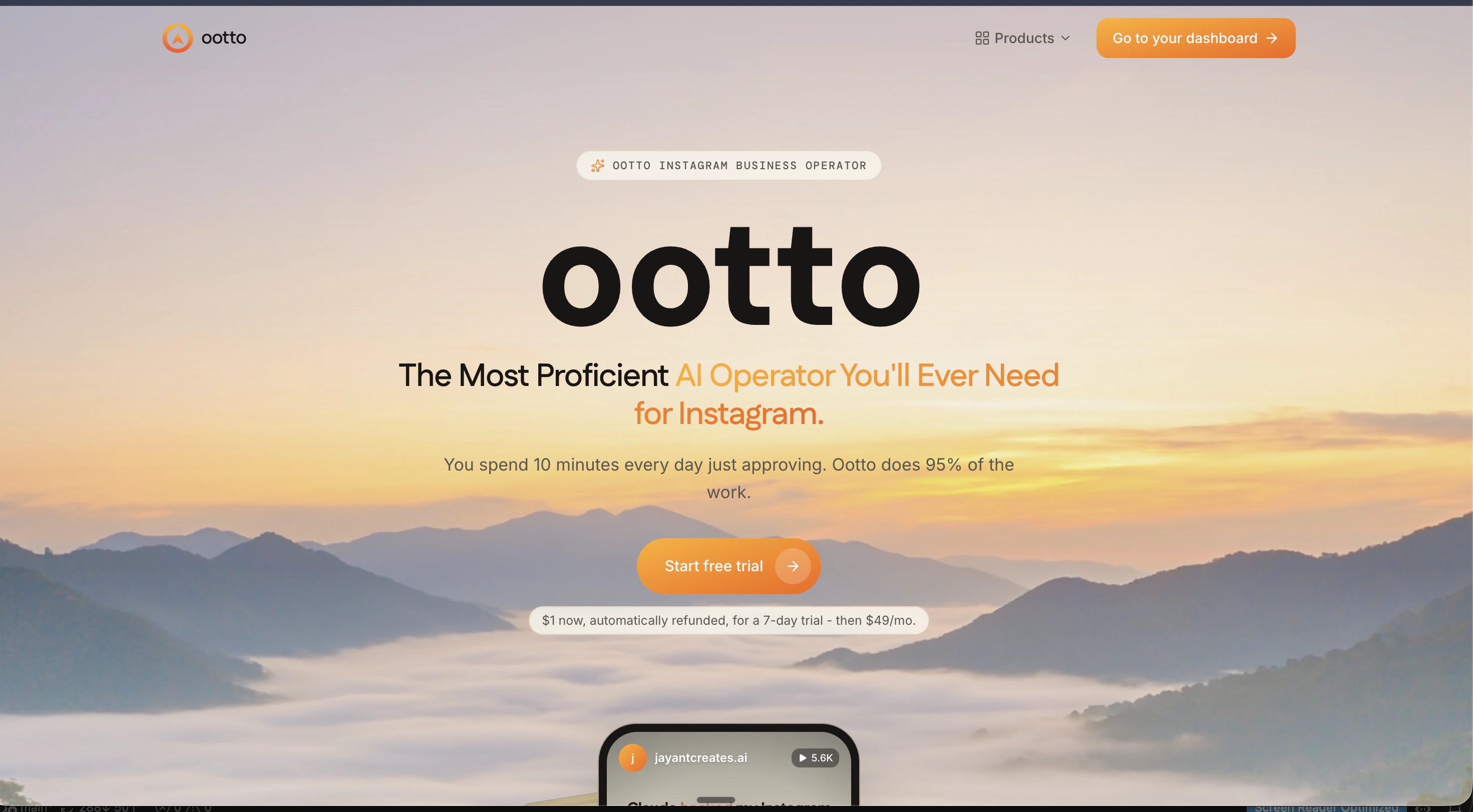
Ootto replicates this on autopilot
Open the dashboard, connect once, then let the pipeline handle research, production, and lead replies.
Open the connector dashboard
Go to /content/login, sign in, and open your Ootto content dashboard.
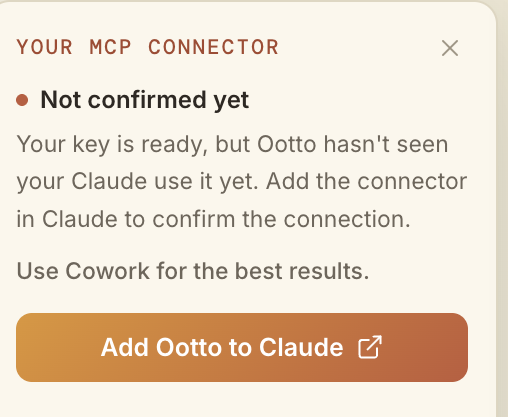
Add Ootto to Claude
Use the one-button Add flow so Ootto appears in Claude's Connectors panel.
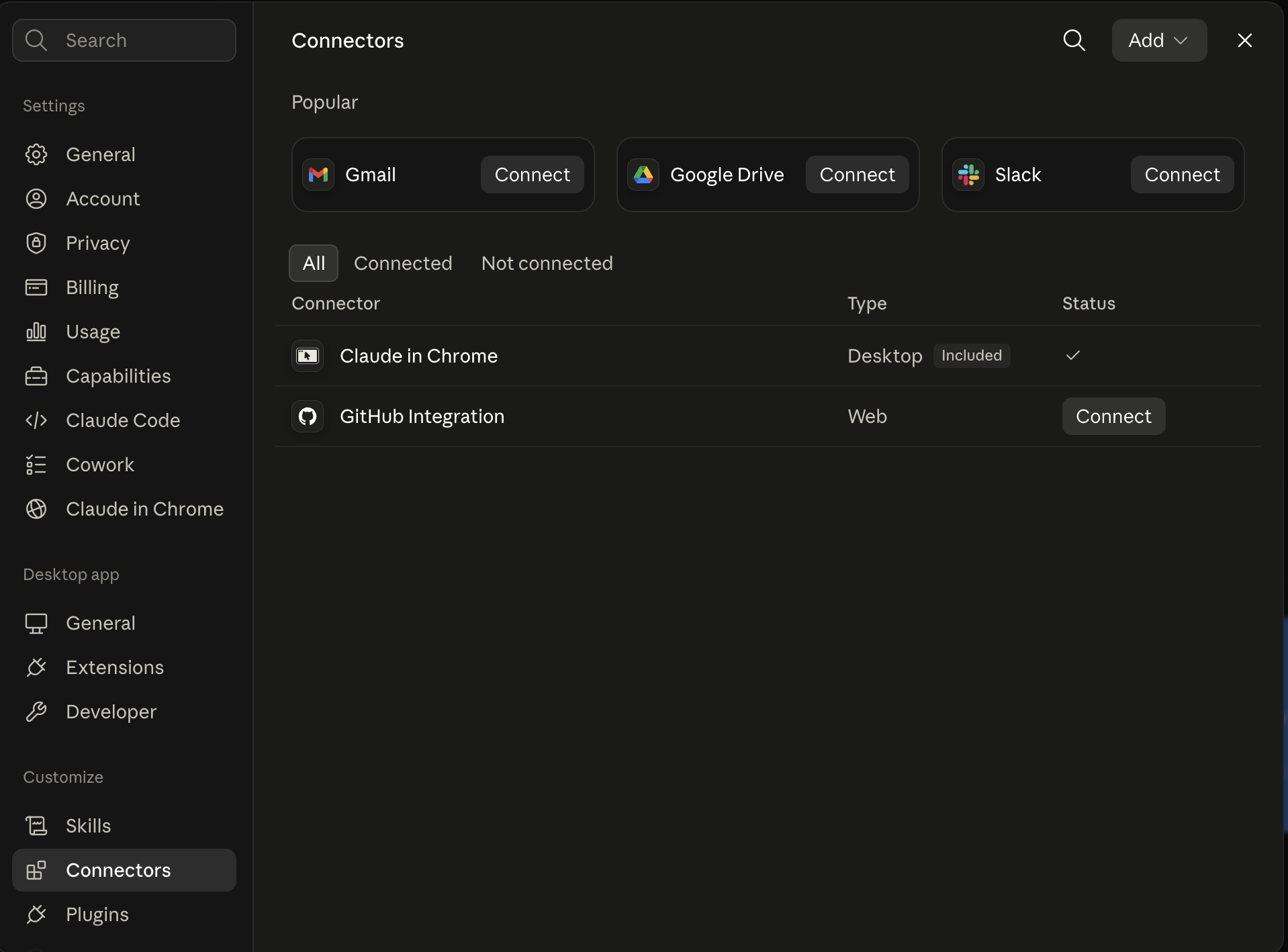
Claude shows the connector
The connector lands in Claude's Connectors settings, confirming Ootto is wired.
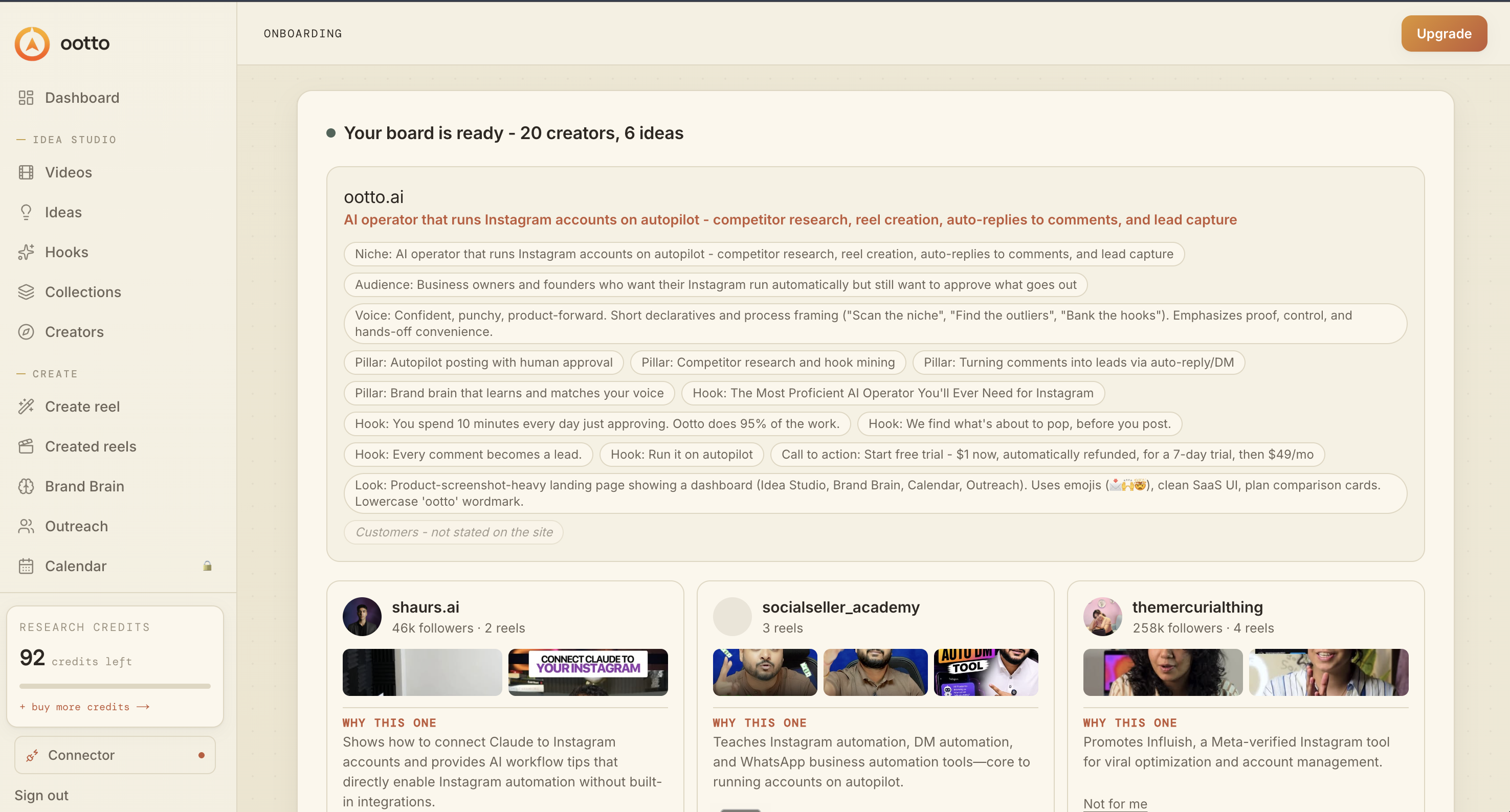
Board reads back your context
Your audience, pillars, voice, and creator signals are filled from account context.
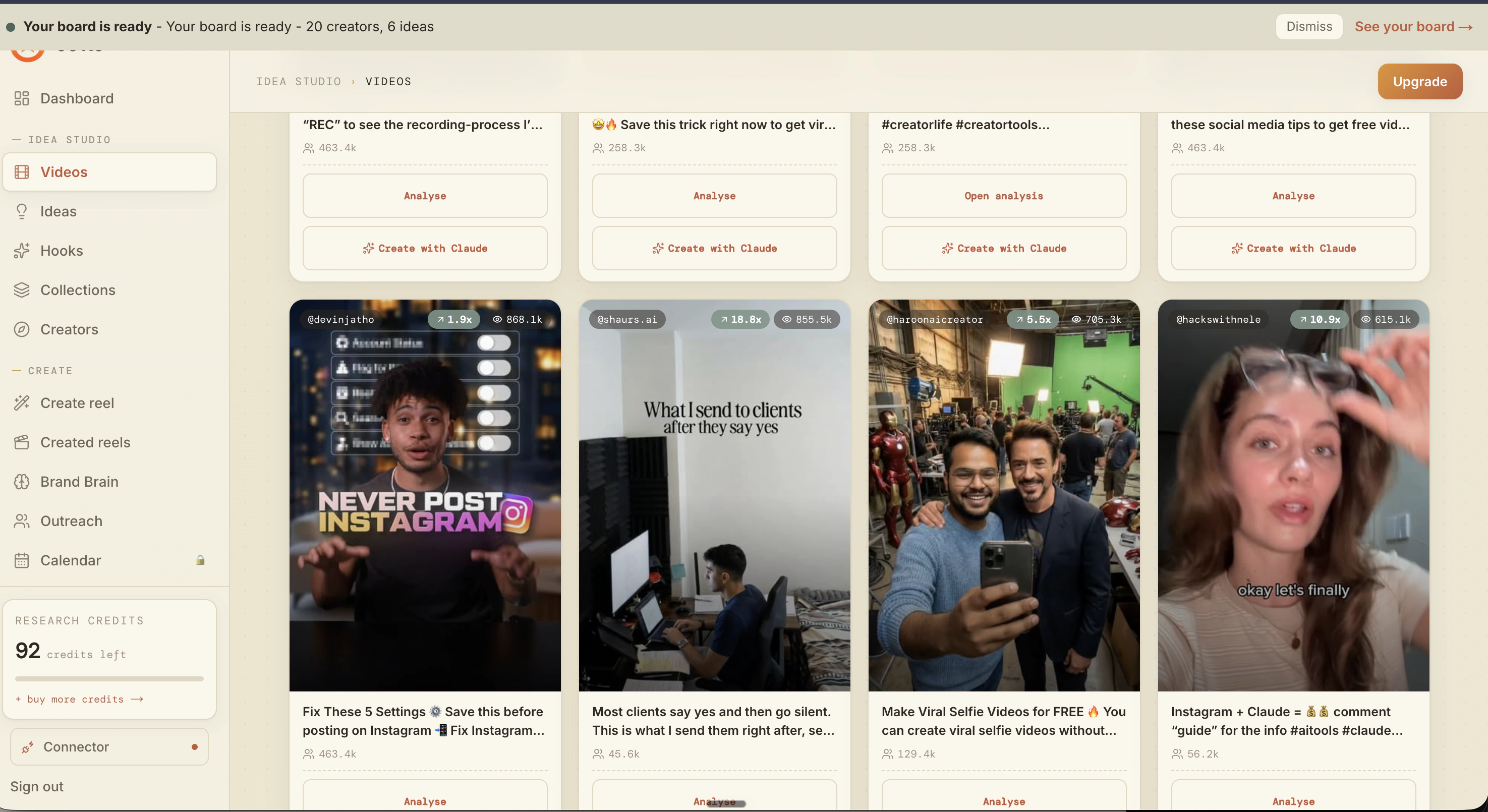
What is actually working now
Ootto pulls what is moving in your niche and loads ranked examples in board.
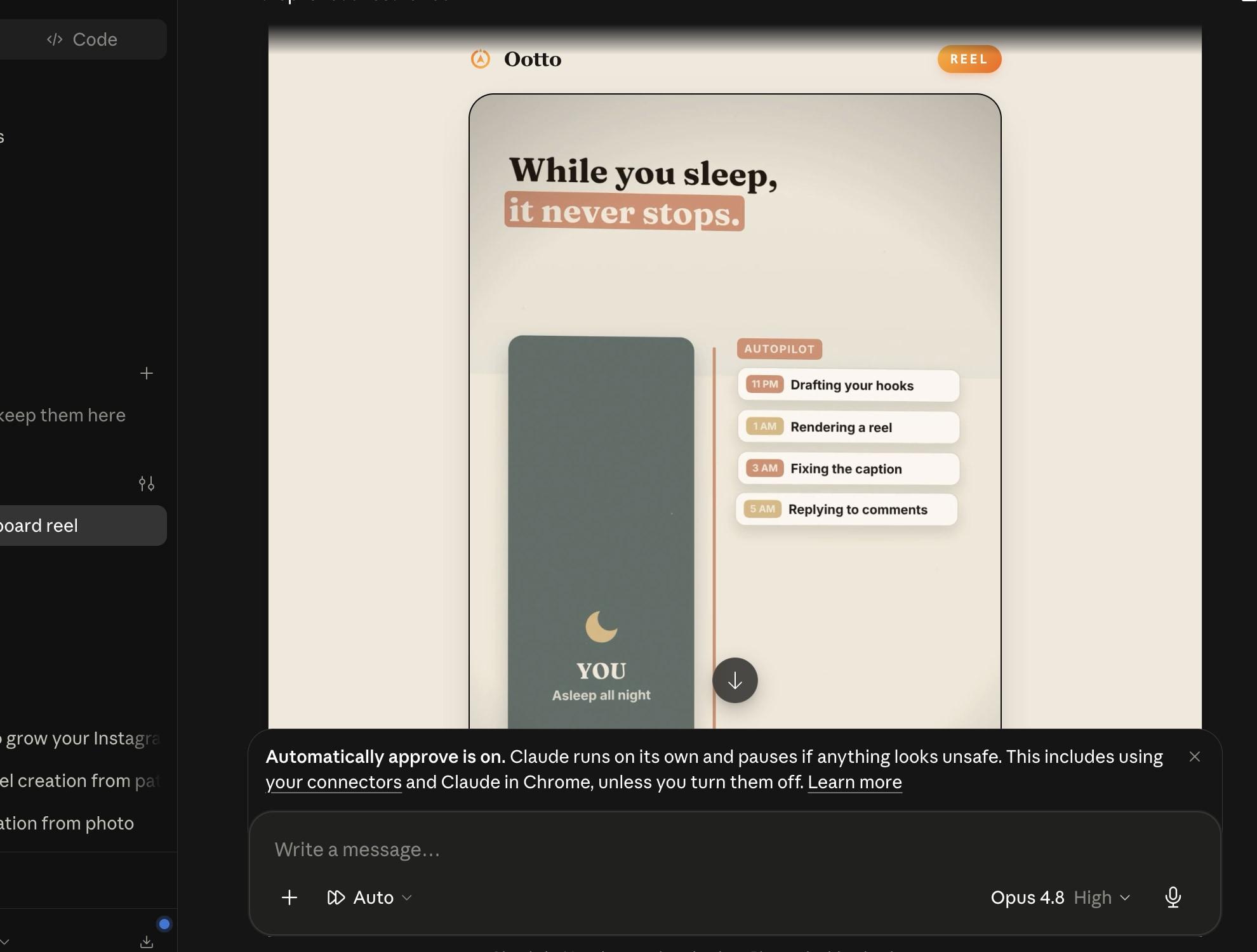
Reels post, comments get answered
Finished reels publish to Instagram and comments are answered with public replies plus DM follow-ups.
Get started