
Content
Claude's skill for turning scripts into beat-perfect reel builds
The Ootto Team · 1 min read · August 17, 2026
How to use this
1Connect Claude to Instagram
Connect Claude to your Instagram account
One click opens Claude with the connector already filled in - sign in, authorize, and it's live. No key to copy, no setup outside your browser.
https://mcp.ootto.ai/mcpConnect2Add the skills
Once Claude can reach your account, give it the methods to work with. Clone the free repository and Claude discovers the skills automatically.
git clone --depth 1 https://github.com/Ootto-AI/claude-content-skills.git && bash claude-content-skills/install.shBrowse all 30 skills on GitHubInstructions: how to connect your Instagram account to Claude
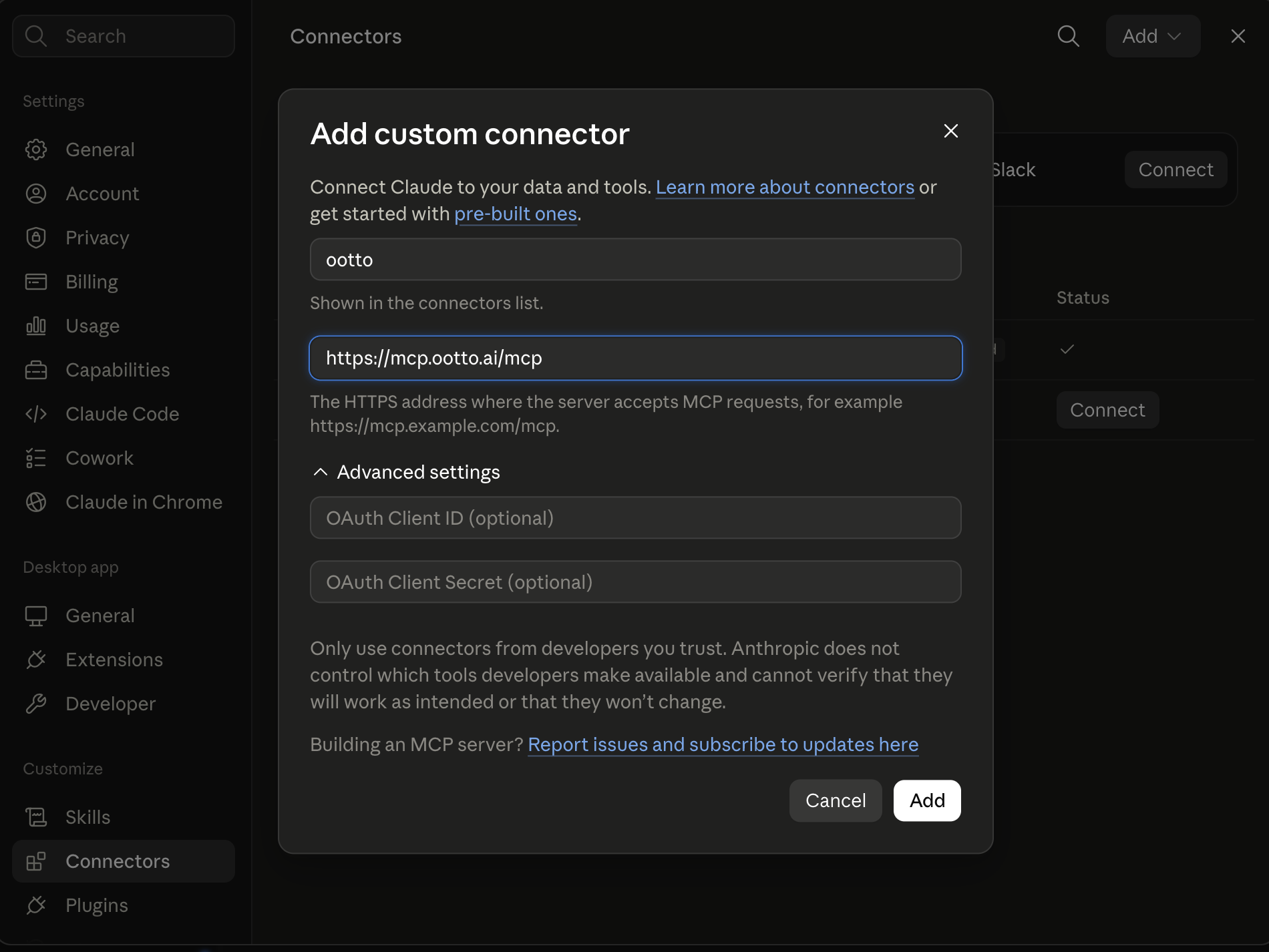
Connect above does this for you. If Claude ever opens the dialog empty, here's exactly what goes where:
Writers can agree on copy and still fight over what to shoot. reel-builder is the glue between draft and production.
Where the copy fight actually starts
/reel-builder [teardown or topic + structure to follow]
/reel-builder [teardown or topic + structure to follow]
I pasted the winning teardown beat map and asked for an execution plan.
The returned output
A shot-by-shot table with scene action, text copy, and timing per beat. That did the work of three prep spreadsheets in one pass.
The output stayed useful because it was still editable: if a shot was unavailable, only that row changed.
No more "wait, did we already change that?"
I ran this before editing decisions and reviewed the same table on mobile during shoot prep. That reduced the “we changed this, forgot that” problem and made the process repeatable.
Use it after reel-scripter when you want a production artifact, and before caption-and-hashtags when you need caption rhythm.
Ootto
Your 24/7 Instagram Growth Operator
Skip the manual setup
- Posts finished Reels straight to your Instagram
- Real motion-graphic Reels, not slideshows
- Built around your own photos and footage
- Finds winning content opportunities in your niche
- Writes on-brand scripts and captions
- Answers every comment by your own keyword rules
- DMs qualified leads and starts the conversation
- Runs up to 50 Instagram accounts
One AI. Every Post. Every Comment. More Leads. More Sales.
Route A: do it yourself
Start with the exact free skill for this outcome
MIT, no account, no email. Install first, then run the command for your account.
For assembling the reel: Reel Builder
git clone --depth 1 https://github.com/Ootto-AI/claude-content-skills.git && bash claude-content-skills/install.sh
Installs the free MIT Content Skills bundle into ~/.claude/skills in one shot.
/reel-builder [teardown or topic + structure to follow]
Builds a beat-by-beat, ready-to-shoot reel with on-screen text, visuals, and a CTA.
Route B: let Ootto run it
Ootto replicates this on autopilot
Open the dashboard, connect once, then let the pipeline handle research, production, and lead replies.
Open the connector dashboard
Go to /content/login, sign in, and open your Ootto content dashboard.
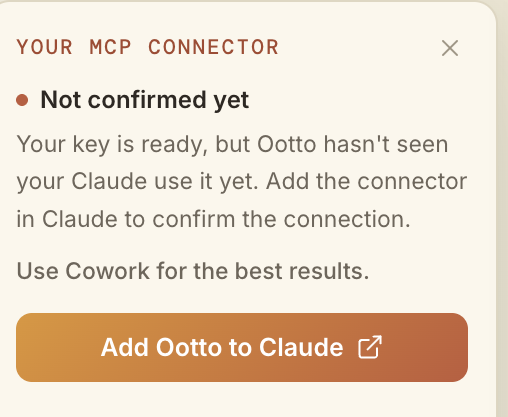
Add Ootto to Claude
Use the one-button Add flow so Ootto appears in Claude's Connectors panel.
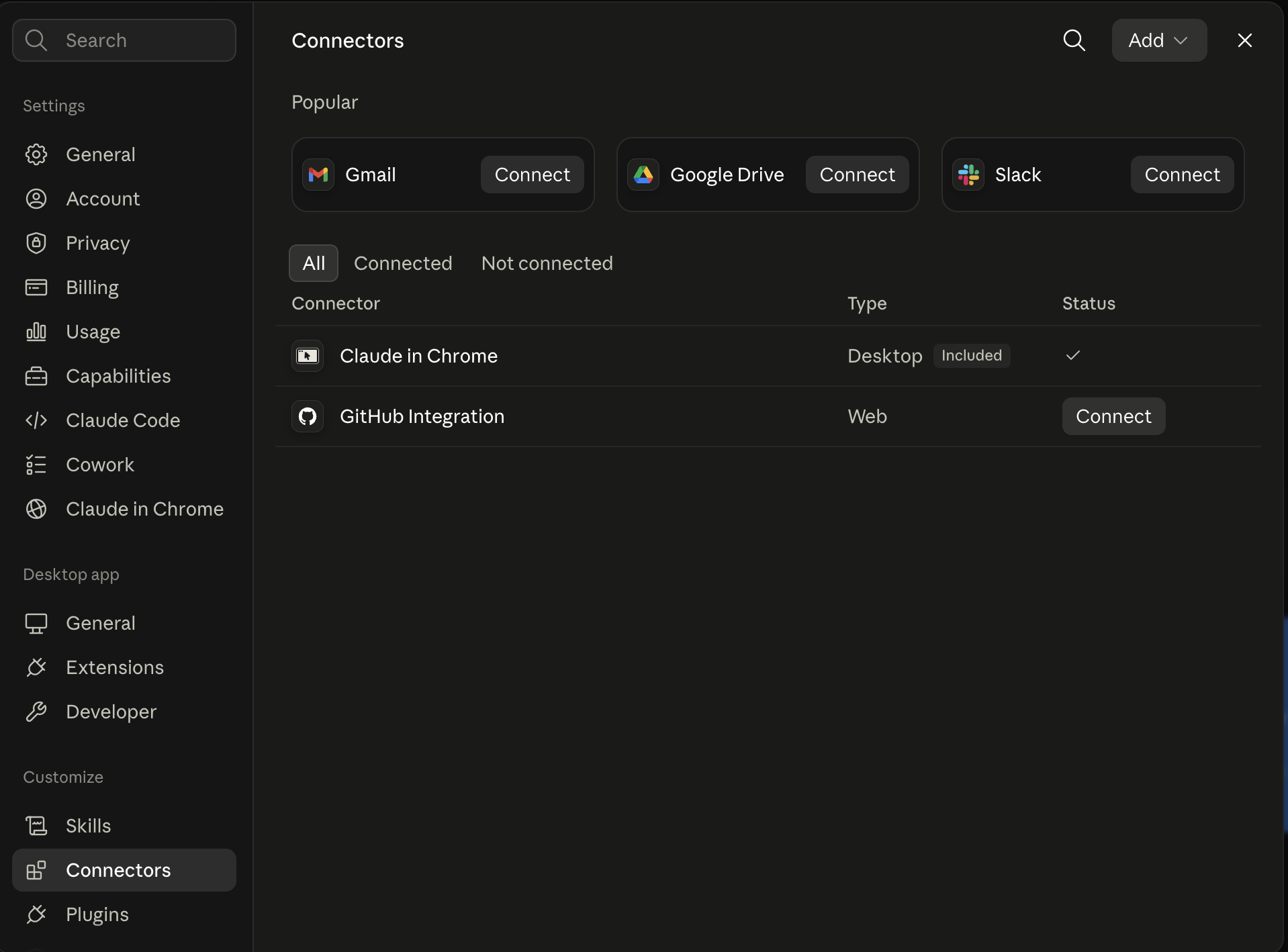
Claude shows the connector
The connector lands in Claude's Connectors settings, confirming Ootto is wired.
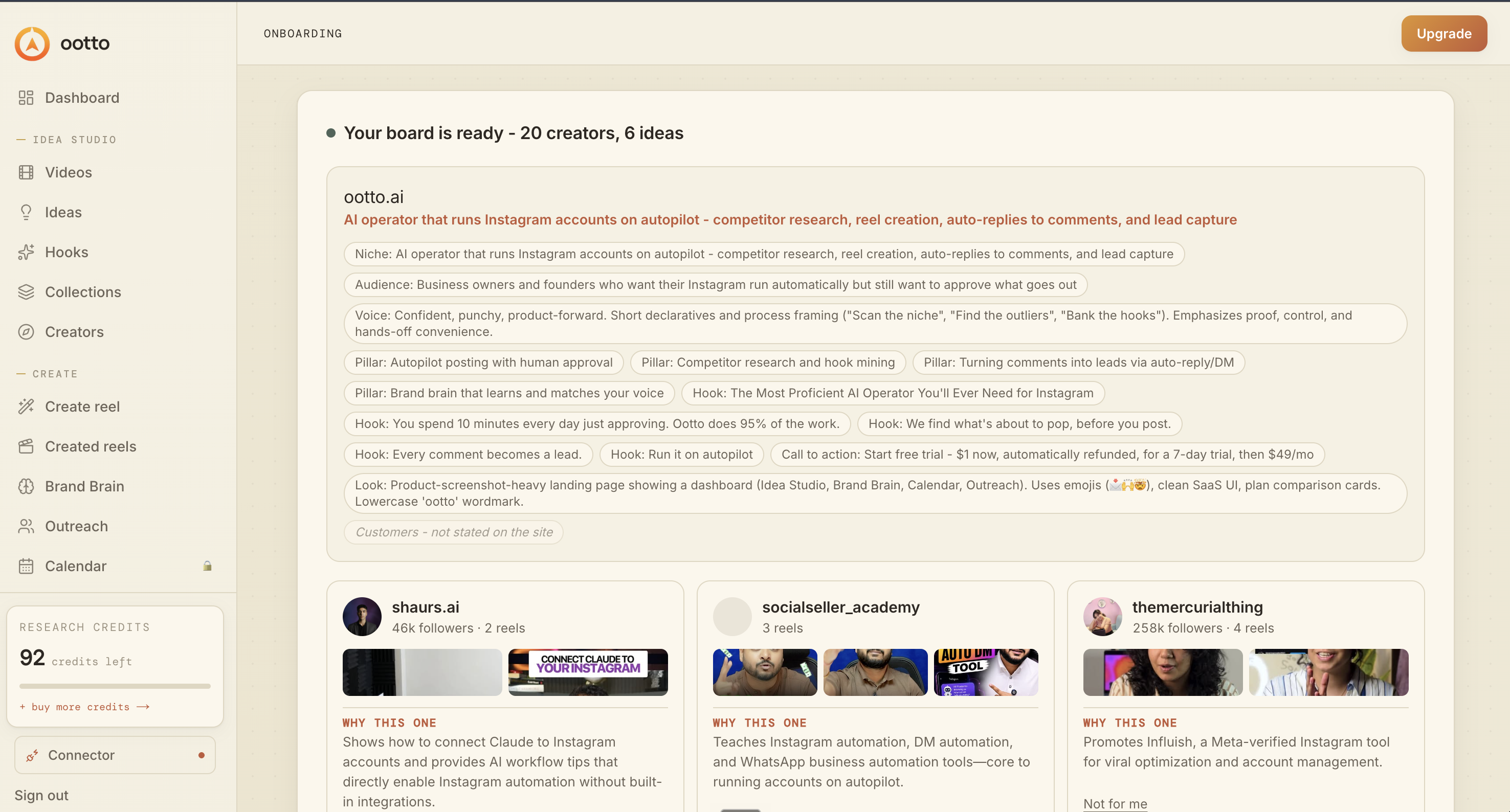
Board reads back your context
Your audience, pillars, voice, and creator signals are filled from account context.
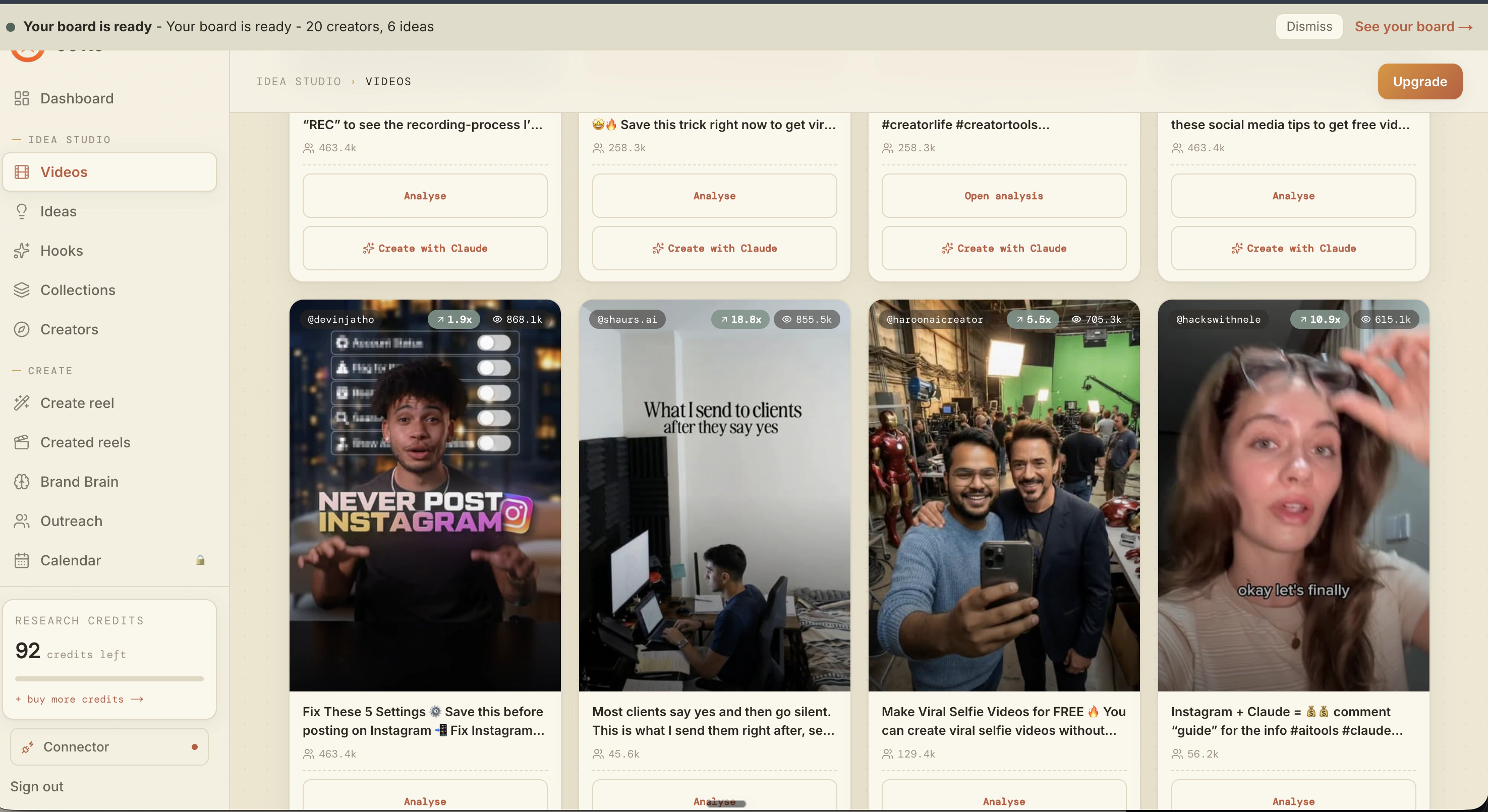
What is actually working now
Ootto pulls what is moving in your niche and loads ranked examples in board.
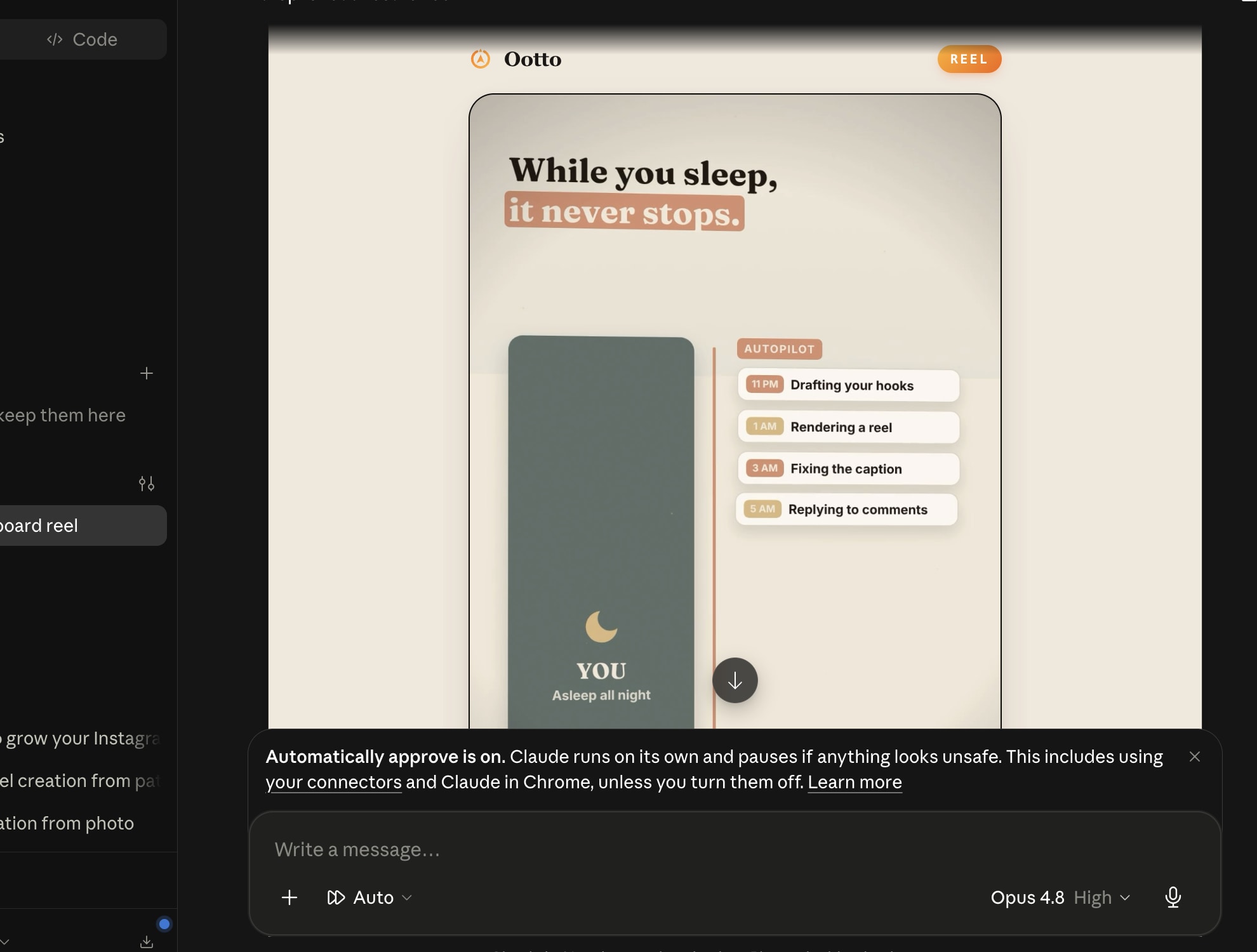
Reels post, comments get answered
Finished reels publish to Instagram and comments are answered with public replies plus DM follow-ups.
Get started